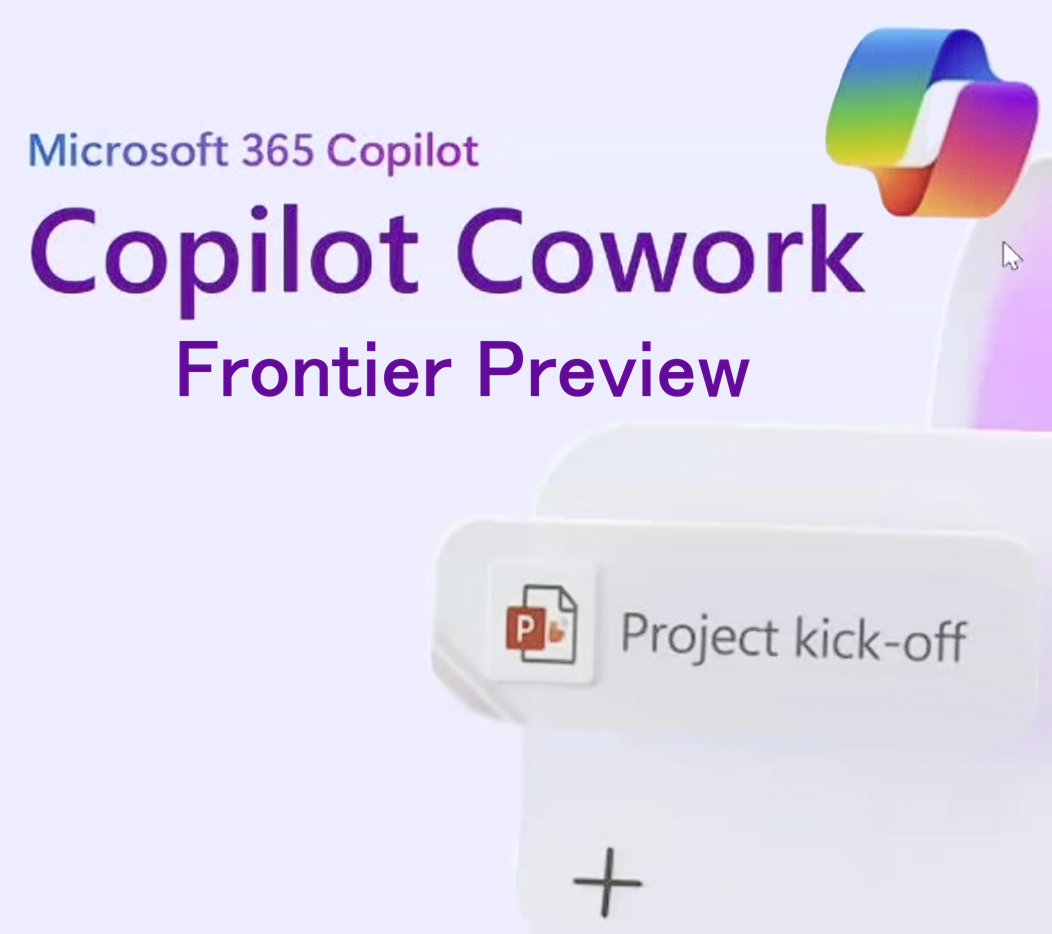

Microsoft has quietly launched Copilot Cowork into the Frontier programme.

Yes… Microsoft has quietly launched Copilot Cowork into the Frontier (preview) programme, opening early access their new agentic side of Microsoft M365 Copilot that doesn’t just answer questions – it takes action, coordinates steps, and follows through across your files and apps. Once it rolls out, you’ll see it and access it from the M365 Copilot Webpage or Desktop App.
Note: This will roll out in the USA first so you may need to wait a bit before it shows up.
What is Copilot Cowork Actually?
Copilot Cowork is designed for long-running, multi-step tasks. You describe an outcome, Cowork builds a plan, reasons across your calendar, email, OneDrive and Teams, and then carries the work forward while showing progress and offering opportunities to steer. It’s built to handle everything from one-off tasks to repeatable workflows like monthly budget reviews or meeting prep.
How Copilot Cowork Works
Microsoft is leveraging the platform that powers Anthropic’s Claude Cowork, combining Claude-derived skills with Microsoft’s own capabilities.

That multi-model approach is central: different models can be used for planning, drafting, and refinement so one model can generate content while another critiques and polishes it. Microsoft says this multi-model setup improves research accuracy on internal benchmarks.
As you’d expect, Cowork runs within tenant boundaries and Microsoft’s security controls so organisations can experiment without exposing sensitive data. Some features are not available in preview, but Microsoft say the update and feature releases will come thick and fast.
Note: Whilst Cowork is currently built upon Anthropic, Microsoft has built Cowork on an open model approach meaning they can switch underlying models as needed to ensure they keep up with the latest innovations and models across leading AI models.
Copilot Cowork Preview Features
Frontier is Microsoft’s opt-in preview channel for experimental AI features. Any organisation can now join Frontier which gives organisations early access to Copilot Cowork and other early innovations so they can test, give feedback, and scale with enterprise controls in place. Once enabled, preview features can be enabled at organisational, group or individual level.
Note: for EU/UK users, admins will also need to “opt-in” to Anthropic Models in the M365 Admin Centre as these are disabled by default in these regions.
Once enrolled, enabled users can start tasks via a Cowork chat, attach files, and watch step-by-step updates as the agent executes actions like drafting emails, scheduling meetings, or compiling research.
You interact with Cowork like the rest of the Copilot suite – via typing or voice chat.
Vibe working with Cowork
As you chat (or type) with Cowork. Cowork starts to process your request. You can see step by think it’s reasoning and follow along in real time as it works.
As Cowork works on your request, you’ll see progress on screen including:
- A “thinking” animation which lets you know Cowork is working on your request
- Step by step updates to on what Cowork is doing at each stage, such as Composing your email, searching across files, conducting research
- Progress word-by-word as Cowork works, so you see in real time what is doing
- Interactions which allow you to interact with questions from Cowork or for you to take over and re-guide its output.

If you think of something else as you are working, you can send a follow-up message. These get queued and your latest message appears above the input field. Cowork will process each queued message in order. If your new message changes the direction of the task, Cowork adjusts its approach accordingly.
Copilot Researcher is also getting smarter
Alongside Cowork, Microsoft has also recently updated the Researcher agent to run queries across both OpenAI and Anthropic models. New features called Critique and Model Council separate generation from evaluation and let users compare model outputs side-by-side.

A judge model then summarises where models agree or diverge, producing a concise synthesis of findings. Microsoft reports measurable gains on its DRACO benchmark after these changes. Microsoft claim that Researcher now scores 13.8% higher on the Deep Research Accuracy, Completeness, and Objectivity, or DRACO benchmark, the industry standard for deep research quality
My reflection
I was fortunate enough to see hands on demos of Cowork at Microsoft HQ in Seattle last week and it was really impressive. It was great to see how Cowork was able to moves beyond single-response chat assistants to agents that can complete multi-step workflows across multiple applications and tasks.
It is important to note that this an opt-in preview. The Frontier programme gives organisations a runway to try that out now. If you care about saving time on repetitive coordination and getting better, cited research faster, this is one of the clearest signals, yet that enterprise AI is moving from “assist” to “execute.”
I have this in my demo environment currently, but as yet it is not (at time of writing) enabled in our production (frontier enabled) environment.
Leave a Reply