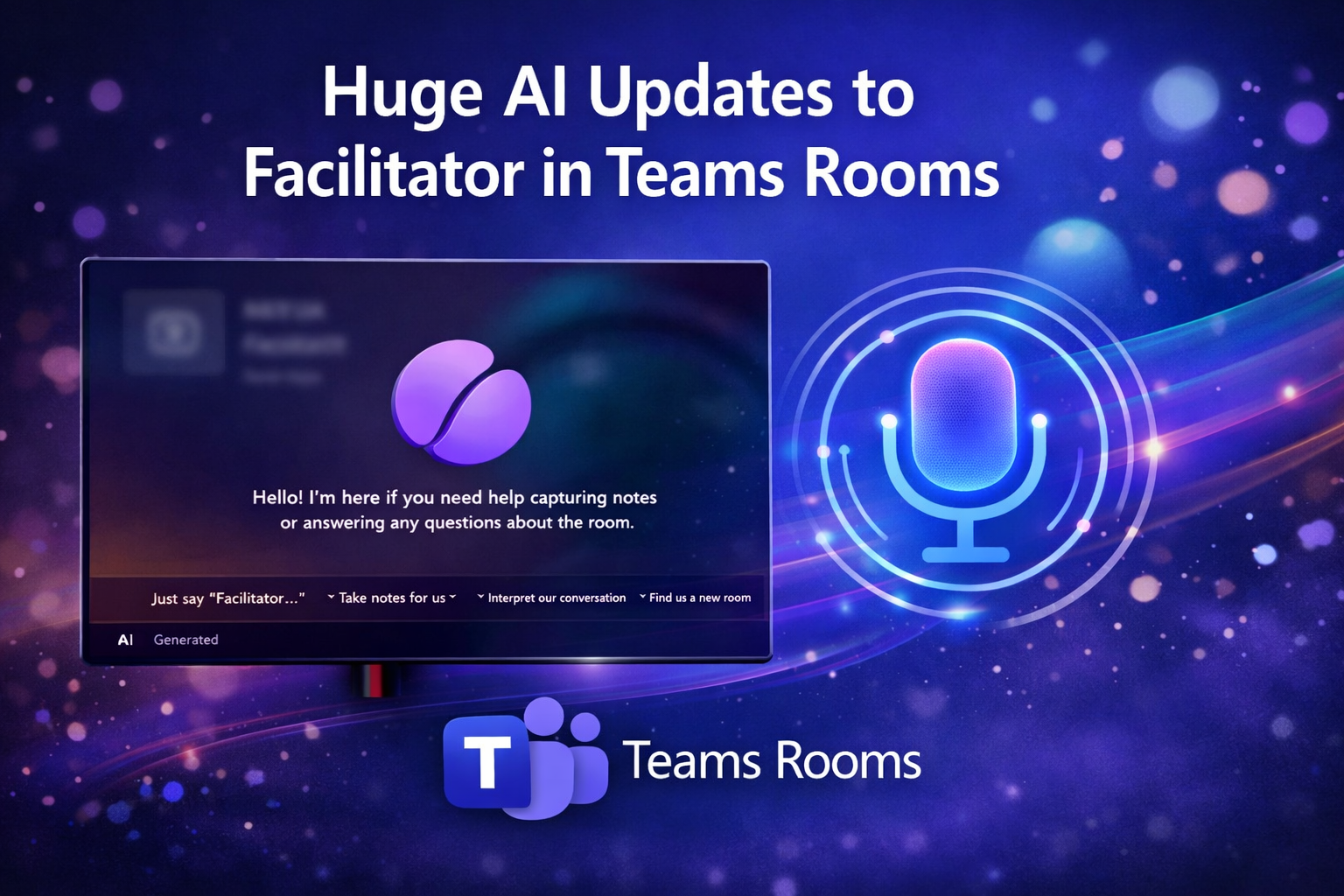

Announced at InfoComm in June 26, Microsoft has confirmed that you will soon be able to invoke Facilitator by voice in Teams Rooms, speak naturally to the room to join a meeting or ask for help, and it answers out loud. This is the beginning of ambient AI in meeting spaces – something Microsoft has been signalling for months. This is a feature Cisco Webex Rooms have had for a while so great to see this come to native Teams Rooms too.
We’ve talked for years about voice being the natural interface for room systems. The problem was always the same: voice assistants weren’t good enough, and meeting rooms are noisy, dynamic environments.
Facilitator AI Voice is in the room
Microsoft say the goal with the evolution of Facilitator in meetings is to become the meeting and the room expert, assistant, and problem‑solver and can be used by anyone like it has a true presence in the room. What’s more it is aware of the person invoking Facilitator thanks to the new Teams voice‑profile infrastructure meaning when a user asks Facilitator for something in the meeting, it knows who has asked the question or requested information.
Voice Enrollment in Teams is a foundation layer that allows Teams Rooms to recognise speakers, respond to voice commands, and anchor AI interactions to the room identity.
New Room Readiness Checks
One of the most quietly transformative additions is Teams Rooms is in the new “Teams room readiness detection“. This is similar to what Cisco Webex introduced last year for Cisco Webex in Cisco Rooms.

Teams Facilitator will soon be able to recognise and inform meeting organisers around in-room issues before anyone starts the meeting or even enters the room such as camera obstructions, clutter, missing chairs, disconnected screens and microphones or anything else that might derail or negatively impact a meeting.
Expert in the room
Facilitator is also now able to pull trusted answers from the internal sources, your calendar, email (based on who invokes Facilitator) and web content to help answer or address in‑the‑moment questions and clarifications.
This is really useful in checking soe facts from previous meetings, quickly looking at team availability or finding out information from a knowledge source to help move a meeting forward.
Meeting participant can also use Facilitator to help get something done – for example, someone could say “Hey Facilitator, how do I share my screen from my iPad”, or ask a question like “What have we not covered that was on the agenda”.

Facilitator answers out loud, using the same intelligence that powers Copilot — but anchored to the physical space.
Coming later in the summer, Facilitator will also start proactively detecting and answering knowledge gaps in meetings. Whilst this will be “off” by default, it will mean Facilitator, when enabled will start surfacing missing context or clarifying terms automatically. A person with a Copilot licence needs to enable it “per meeting”
AI Meeting Notes Upgrade
Microsoft is also expanding Facilitator’s in‑room note‑taking capabilities. This will bring real-time notes, decisions, and actions into the room – without requiring a scheduled meeting and will ensures everything is stored securely in tenant-owned SharePoint. Microsoft hope this will help security and governance and also comes as Microsoft announces the ability to 3rd party notetaking apps to be detected and blocked from joining calls without permission.
My Thoughts
Microsoft’s real strategic messaging here is that they are see Teams Rooms the default operating layer of the modern workplace. Once a space becomes a Teams Room, it plugs into Microsoft’s ecosystem for management, identity, security, governance, updates, device certification, and analytics. That’s where Microsoft’s platform instincts show their strength.
Microsoft Teams Rooms started as a way to make video meetings less painful. It has since evolved into a strategic foothold in facilities planning, device lifecycle management, meeting intelligence, and hybrid‑work design. Teams Facilitator “AI” of course accelerates this shift: the room stops being just a place where Teams runs and becomes a context engine for Copilot‑era work.
This unified meeting‑room platform simplifies support, procurement, training, and remote operations. As Microsoft layers in more intelligence, the room system becomes harder to treat as interchangeable commodity hardware though there is so much hardware choice and vendors who once “competed” against Teams, are not a vital part of the eco system. Cisco Webex Rooms is an example as businesses can run Cisco Webex Rooms on native Teams mode, hybrid (Cisco, Teams, Zoom etc) or in native Cisco Webex Mode.
For Meeting Room and AV partners, then Microsoft’s ecosystem drives demand for certified devices, deployment expertise, acoustic design, and managed services (which is imprtnant to ensure a premium meeting experience), but it also compresses differentiation if customers view the room primarily as a Microsoft endpoint.
This also means Teams Room Partners and AV houses / and Integrators will need to ensure value upstream – design, governance, workflow integration, and lifecycle strategy – rather than focusing solely on device installation.
Finally, assuming though, and assuming these new features do what they says on the tin, it could be a great enhancement to the AI assistant interaction model:
- Rooms that prepare themselves
- AI that understands the space, the meeting, and the people in it
- Voice as a first-class interface
- Ambient intelligence that reduces friction instead of adding it
Facilitator is “becoming the connective tissue” between physical rooms and digital collaboration – and the roadmap makes it clear that Microsoft is investing heavily in this direction.
Sources and Roadmap Features Links
- Express Voice Enrollment Roadmap ID 537269
https://www.microsoft.com/microsoft-365/roadmap?filters=&searchterms=537269 - Facilitator Agent — meeting experience enhancements Roadmap ID 499891
https://www.microsoft.com/microsoft-365/roadmap?filters=&searchterms=499891 - Facilitator Agent — task management + document creation Roadmap ID 500701
https://www.microsoft.com/microsoft-365/roadmap?filters=&searchterms=500701 - Facilitator proactively detects and resolves knowledge gaps Roadmap ID 558341
https://www.microsoft.com/microsoft-365/roadmap?filters=&searchterms=558341 - AI-powered notes for in-person meetings (Teams Rooms on Windows) Roadmap ID 560318
https://www.microsoft.com/microsoft-365/roadmap?filters=&searchterms=560318
Leave a Reply