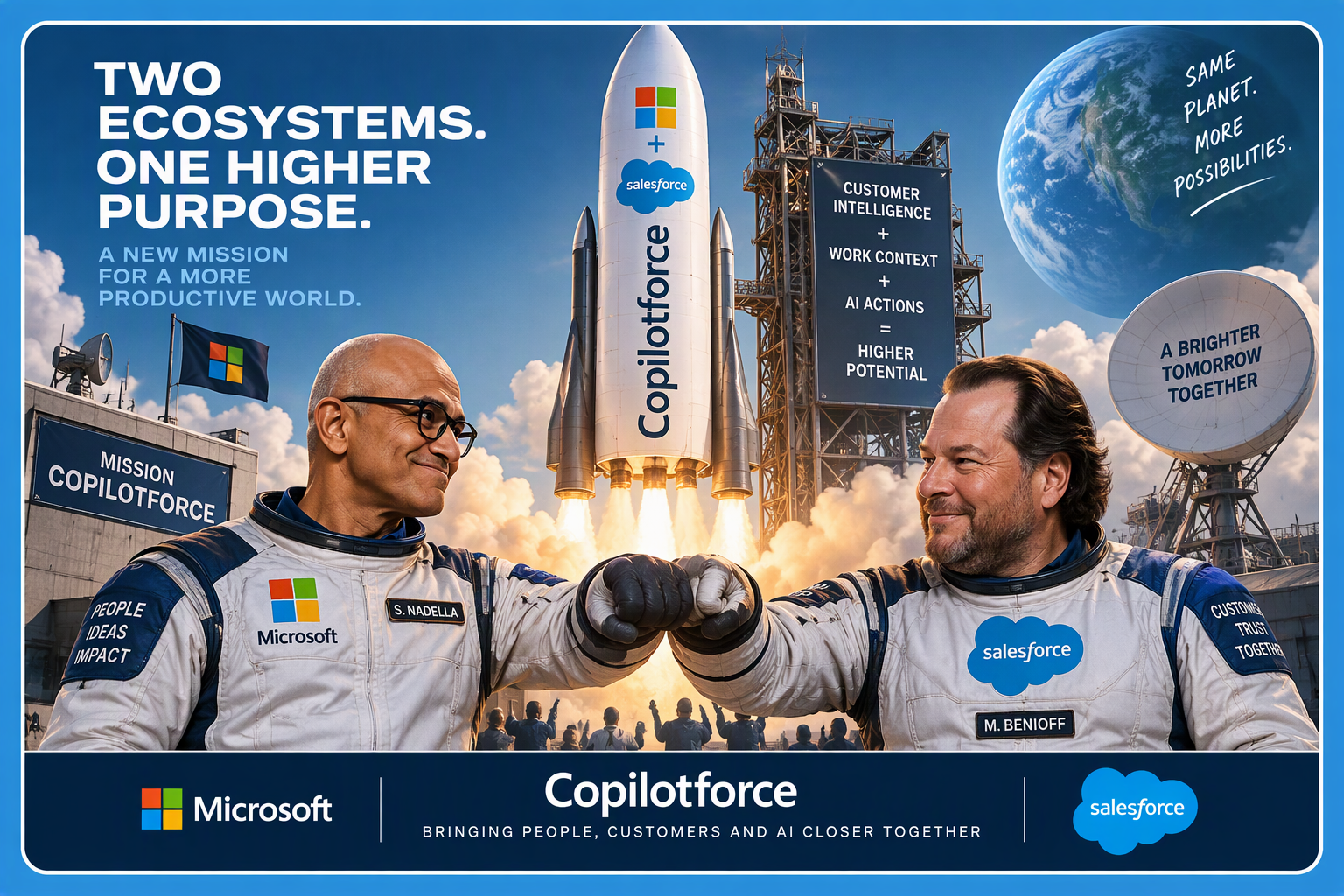

Outside of Autopilot, one of the more significant announcements from Microsoft Ignite 2026 was the joint announcement from Microsoft and Salesforce around “Copilotforce”. This is a new partnership that will bringing Salesforce customer data, sales processes and supported CRM actions directly into Microsoft Copilot, Microsoft Teams and Microsoft Fabric.
This is way more than a simple connector or plug in too. As you are probably aware there are hundreds of connectors (API or MCP) available to enable Copilot to talk to third party systems (including Salesforce) today, but this integration partnership goes much further.
Copilotforce is a clear indication that Microsoft wants (and Salesforce recognises that it is) Copilot to become the front door to work, even when the customer’s core system of record is Salesforce rather than Microsoft Dynamics 365.
For customers who’s business is rooted in Saleforce, this means their sellers will be able to combine what Salesforce knows about the customer with what Microsoft 365 knows about the work happening around that customer.
What is Copilotforce?
Copilotforce is the (current) name Microsoft and Salesforce have given to a new collection of integrations spanning:
- Salesforce in Microsoft Copilot
- Sales Cloud in Microsoft Teams
- Salesforce Data 360 and Microsoft Fabric
- Microsoft Work IQ
- Salesforce’s Model Context Protocol access
- Governed Salesforce business actions
The centrepiece is Salesforce in Copilot, a new plugin available in public preview with more than 38 prebuilt sales skills which allow sellers to use live Salesforce customer and opportunity information directly from inside Microsoft Copilot, combine it with relevant context from Microsoft 365 (such as call notes from Teams) and take supported actions without constantly switching between applications.
CopilotForce is not simply about accessing a Salesforce record in Copilot.
It is about bringing together two different types of business context.
Salesforce provides the structured CRM view of the customer, including accounts, contacts, pipeline, opportunities and sales activity.
Microsoft Work IQ provides the wider context surrounding the customer through Teams meetings, Outlook emails, SharePoint content, OneDrive documents and other Microsoft 365 activity.
Why the combined context matters
CRM in business are essential, but they rarely contain the complete customer story because people work in Office Tools like Outlook and Teams then move to CRM to update records or drive activity.
Salesforce may show that an opportunity is at proposal stage, has a particular value and is expected to close this quarter.
The conversations leading to that outcome may exist elsewhere for example
- A proposal created in Word and Shared in SharePoint or Teams or already send to the customer in Outlook.
- A pricing concern might have been raised in Outlook.
- A competitor mentioned during a Teams meeting.
- An escalation discussed in a Teams chat.
- An updated proposal may be sitting in SharePoint.
- A commitment made during the last customer call may still be outstanding.
Copilotforce brings those signals together.
A seller could ask Copilot:
Prepare me for tomorrow’s meeting with ACME Corp. Include the active Salesforce opportunities, recent customer concerns from Outlook and Teams, commitments from our previous meeting and the three areas I should focus on.
Instead of manually searching Salesforce, Outlook, Teams, SharePoint and meeting notes, the seller can work through Copilot.
That is where the real value begins to emerge.
Over 38 prebuilt sales skills
Salesforce in Copilot will initially provide more than 38 sales skills, organised around three broad outcomes.
Grow revenue
Pipeline Review and Close Planning can help sellers identify which opportunities require attention and build a clearer route towards signature.
The wider set of capabilities can support activities such as:
- Reviewing and prioritising sales opportunities
- Preparing account and close plans
- Identifying gaps in an opportunity
- Creating customer meeting briefings
- Developing proposals and business cases
- Producing customer-ready content in Word and PowerPoint
Microsoft has also announced Copilot for sales as part of its broader expansion of skills and plugins across Microsoft Copilot and Office.
In PowerPoint, for example, sellers will be able to create pitch decks using connected CRM information, adapt existing material for another customer and build proposals using source-checked claims.
Manage risk
Copilotforce also includes skills for Deal Review, Customer Health and Renewal Radar.
These can combine Salesforce records with concerns, escalations and commitments found across Microsoft 365.
This could help sellers identify:
- Opportunities that have stopped progressing
- Missing or disengaged stakeholders
- Unresolved customer concerns
- Commitments that have not been completed
- Renewals that may be at risk
- Differences between the CRM record and recent customer conversations
This may prove particularly useful for sales managers conducting pipeline and forecast reviews.
Rather than relying only on fields entered into the CRM, they can potentially examine the broader signals surrounding each deal.
Move faster
Call Follow-Up can turn a customer conversation into:
- A draft customer follow-up
- An internal meeting recap
- Proposed Salesforce activities
- Suggested next steps
- Recommended CRM updates
The seller remains in control and reviews the proposed actions before information is written back to Salesforce.
This is important. Copilotforce should not be positioned as an autonomous system freely changing customer records.
Salesforce continues to govern access to its data and business actions. Microsoft continues to apply its compliance controls to Microsoft 365 communications and documents. Supported CRM changes require explicit user confirmation and must comply with the user’s existing Salesforce permissions and validation rules.
How does Copilotforce work?
The solution architecture brings together four components.
1. Copilot provides the user experience
Copilot becomes the place where the seller asks questions, prepares for meetings, creates content and initiates supported actions. This reinforces Microsoft’s position that Copilot is becoming the new front door to work.
2. Microsoft Work IQ provides the work context
Work IQ supplies relevant context from Microsoft 365, including meetings, emails, documents and conversations.
This helps Copilot understand the work surrounding an account, rather than relying only on the formal CRM record.
3. Salesforce provides live customer context
The integration uses authenticated Salesforce Model Context Protocol access.
This allows authorised users to retrieve Salesforce information and invoke supported business actions within their existing Salesforce permissions.
Salesforce remains responsible for governing access to its customer data and processes.
4. The user confirms important actions
Where an action updates Salesforce, the seller is expected to review and confirm the change. Salesforce permissions and validation rules continue to apply which creates an important boundary between AI assistance and a committed change to a customer record.
Salesforce will be embedded within Teams
Copilotforce will not be limited to the just the Copilot “app” experience either. Sales Cloud in Microsoft Teams is already in preview with some of their largest enterprise customers and is expected to move into an open beta later before the end of 2026.
This will bring Salesforce information and workflows into the place where sales teams frequently collaborate.
Sellers will be able to access areas including:
- Pipeline and quota progress
- Deal notifications
- Customer and opportunity insights
- Meeting preparation material
- Supported opportunity updates
This starts to close the gap between collaboration and CRM discipline something Enterprise clients told Salesforce and Microsoft is a big issue.
Salesforce Data 360 meets Microsoft Fabric
The other major part of the announcement this week is a new bidirectional Zero Copy integration between Salesforce Data 360 and Microsoft Fabric.
The objective is to let organisations query and use information held across Salesforce and Microsoft without continually duplicating and synchronising complete datasets.
This creates some potentially valuable scenarios in that organisations could “combine” Salesforce customer and opportunity information with:
- Finance and ERP data
- Product usage telemetry
- Service and support information
- Customer profitability data
- Marketing engagement
- Operational delivery information
- Renewal and churn models
- Power BI and Fabric analytics
This means a seller using Salesforce could potentially see not just that an account has an active opportunity, but also whether the customer is using the current product, paying on time, raising support cases or showing signs of renewal risk.
Does Copilotforce mean Microsoft is stepping away from Dynamics 365?
Definitely not. This is more about Copilot cementing itself front and centre in the flow of work. Alongside this announcement at Ignite, Microsoft also announced deeper Dynamics 365 integration with Copilot.
Dynamics 365 in Copilot brings updated sales skills and broader business application capabilities into the Copilot experience. Copilotforce does not replace that strategy. Instead, it demonstrates that Microsoft’s goal us about removing blockers that prevents Copilot to reach organisations because of the CRM they use.
What does this mean?
I’m keen to know as always what this might mean your organisation? Has Salesforce been a blocker for wider Copilot Adoption? Does it matter?
Further reading
The following official announcements were published on 17 November 2026 and were used to validate the information in this article:
- Microsoft and Salesforce announce Copilotforce, bringing trusted customer context and action into Microsoft AI experiences
- Salesforce and Microsoft announce Copilotforce
- Microsoft Ignite 2026: Empowering human ambition, intelligence and trust
- Office at Ignite 2026: From apps to an agentic system of work
- Microsoft Ignite 2026: Introducing Dynamics 365 in Copilot
Leave a Comment