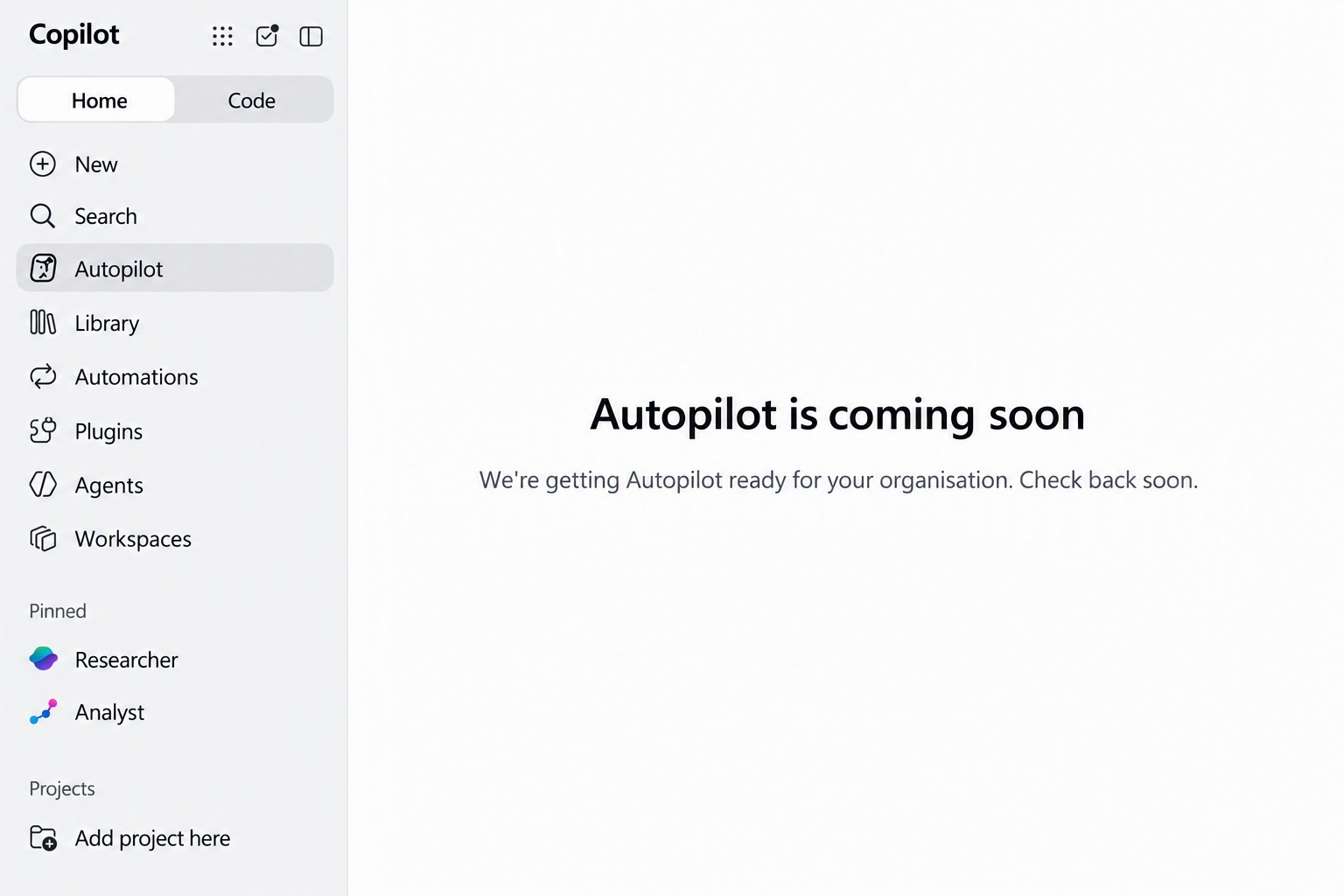

Microsoft Ignite 2026 has brought plenty of Copilot announcements, but one of the most anticipated of course was about the release of Microsoft Copilot Autopilot.
Copilot Autopilot is the third of three major components of the new Microsoft Copilot experience – Home, Code, and Autopilot.

What is Autopilot?
Autopilot is a personal, proactive, persistent AI agent. Autopilot stays connected to your priorities, monitors what matters, and helps keep work moving. It can coordinate schedules, triage inboxes, prepare meetings, track commitments, and take action on your behalf within the guardrails you and your organisation set.
Autopilot gets to know you and keeps learning – it has persistent context, identity, and memory, meaning it can work across days & weeks, and it can work across your entire Microsoft 365 surface. It brings the power of agentic AI into Microsoft 365 in a way that is proactive, governable, and ready for real work.
Microsoft Autopilot is a new always-on, cloud-based personal AI agent designed to work alongside you across Microsoft 365. This adds a new dimension and next step from Copilot – >Cowork – >Autopilot.
Where as Copilot works with you, Cowork completes a task you ask it to do, think of Autopilot as a more autonomous “I will give this to my AI teammate and let it keep working on it.
Lets be clear from here.. Autopilot usage is paid through Usage Based Billing, it is not part of the $30 M365 Copilot license.
From Copilot to an AI teammate
Most of our interactions with Copilot today start with us and what we want to do to (review, create, research…)
We open Copilot, type or speak a prompt, ask it to create something, analyse something or help us complete a task.
Autopilot starts to change that relationship.
You give your Autopilot a name and a goal, and it can continue working towards that goal in the background rather than simply waiting for another prompt. This is similar to OpenAI’s dot. You give Autopilot an identity and that identity just like a human worker is monitored, governed and secured just like a human worker.. That’s a huuuuuge culture and tech shift.
Microsoft describes Autopilot as a personal teammate that understands your work and can collaborate with you and other people.
The interesting part is that it sits inside the tools many of us already use every day.
Outlook. Teams. Meetings. Chats. Files. Microsoft 365
Rather than constantly bringing work to the AI, the AI starts becoming part of the work itself.
So what “could” Autopilot actually do?
Imagine telling your Autopilot:
“Keep me on top of the things that need my attention this week.”
Rather than simply generating a summary, Autopilot could monitor relevant activity, track commitments, prepare things you’re likely to need and surface decisions when your input is required all without you input.
That becomes an ongoing responsibility rather than a prompt you need to repeat before every meeting.
On stage at Ignite, Microsoft gave the example of an Autopilot called Sebastian, which has been used to help prepare for the day, work through conversations requiring replies and coordinate meetings.
In one example, it prepared 40 Teams reply drafts, prioritised them and placed them into an editable queue ready for review.
That’s where I think this starts getting interesting.
Microsoft were clear that the human (us) hasn’t disappeared from the process. Autopilot is doing more of the preparation and orchestration so that the human can concentrate on decisions.
Chat, Cowork and now Autopilot
One of the easiest ways I think about this is the type of work we’re giving Copilot.
Copilot Chat
Ask something and get help immediately.
Copilot Cowork
Delegate a multi-step piece of work and let Copilot work towards the outcome.
Autopilot
Give it an ongoing goal or responsibility and let it continue working in the background over days or weeks.
We are moving into this multi player space. from prompting AI, to delegating work to AI, and now towards giving AI ongoing responsibilities.
That’s a very different relationship with Copilot.
Autopilot gets really “personal”
Autopilot isn’t simply another generic agent with custom instructions.
Once enabled for you, you configure it in Copilot, give it a name and set its goal.
It can understand your priorities, preferences and way of working, carrying context across conversations, projects and routines.
It can then work with you through Copilot, Teams and Outlook.
Your Autopilot has its one name and its own identity.
That means your colleagues and team can (if you wish) interact with your Autopilot as part of the way they work with you.
Suddenly the idea of an AI teammate starts feeling rather more literal.
Is this like OpenClaw?
If you’ve been following the rapid rise of OpenClaw, some of this might sound familiar.
OpenClaw has demonstrated just how powerful a persistent personal AI agent can be. Rather than opening an AI tool, asking something and closing it again, you can have an agent running continuously, remembering context, using tools and taking actions on your behalf.
It’s incredibly powerful.
But for enterprise organisations, that power creates a pretty big second question:
How do we govern it? And how do we ensure it abides by our enterprise security?
OpenClaw itself is evolving here.
OpenClaw Enterprise is being developed as an open-source, vendor-neutral control plane offering areas such as multi-tenancy, governance, auditability, security boundaries and sandboxing. At the time of writing, however, it’s still positioned as pre-1.0 software intended for internal pilot workloads.
That’s not to say OpenClaw is bad. Far from it.
Its openness, flexibility, self-hosting options and ability to work across different models and services make it particularly interesting for developers, enthusiasts and organisations wanting much greater control over their AI stack.
Autopilot approaches is fundamentally different to OpenClaw as is designed with business and enterprise use.
Instead of taking a highly autonomous agent and then working out how to connect and secure it inside the enterprise, Microsoft has building Autopilot around Microsoft 365, corporate identity, organisational context, permissions, administration and governance.
For organisations already invested heavily in Microsoft 365, Entra, Defender, Purview and the wider Microsoft security stack, that could be a significant advantage.
Autopilot will nicely and get along with Corporate IT!
Autopilot Security and Control.
Obviously, an AI agent working continuously across Microsoft 365 raises some important questions. Autopilot is “off” by default and needs to be enabled.
- What can it access?
- What can it change?
- When does it need approval?
- What happens if an agent gets something wrong?
And perhaps most importantly:
- Who is watching the agents?
This is where Microsoft’s wider platform strategy starts becoming important.
Autopilot is built with access controls and approval guardrails, while Agent 365 gives organisations capabilities around understanding agent usage, governing access, assessing risk and monitoring business value.
But there’s another part of Microsoft’s agentic strategy announced at Ignite that particularly caught my attention.
Hello “Microsoft Perception”
At Ignite 2026, Microsoft also annouced the general availability of “Project Perception” which is now just “ Microsoft Perception”.
Perception is Microsoft’s new multi-agent security system
Perception is Microsoft’s new multi-agent security system, designed around a fundamental shift in cybersecurity: as attackers are increasingly use AI and autonomous agents to operate at machine speed, defenders need to be capable of doing the same.
Perception brings together specialised red, blue and green AI agents.
- Red agents look for potential paths to compromise.
- Blue agents investigate threats and help turn threat intelligence into detections.
- Green agents focus on remediation and reducing exposure.
These agents can then work together through coordinated playbooks, while security teams retain control of critical decisions.
We’re not just seeing AI agents that work for us. We’re beginning to see AI agents that manage, govern and defend environments increasingly populated by other AI agents.
That is (I think) going to be huge for enterprise IT and security.
Microsoft talks about agents becoming a new kind of insider. They’re not inherently malicious, of course, but they’ll potentially have access to corporate data, applications and other agents. Plus of course, they operate continuously and at machine speed.
Like humans, they can make mistakes. They can potentially be manipulated or compromised and they don’t have a conscious!
Security therefore needs to evolve alongside them.
There’s much more to dive into here, particularly around how Autopilot, Agent 365, Entra, Purview, Defender and Microsoft Perception ultimately come together as Microsoft’s security and governance layer for the agentic workplace.
More to follow on that one. Yes, it’s day one and there’s already been a lot of news from a ignite
When can I get my hands on Autopilot?
Microsoft said that Autopilot is beginning its rollout through Microsoft’s Frontier Programme and will start with US as always. It is OFF BY DEFAULT.

Unlike much of the Copilot ecosystem, organisations must explicitly enable and deploy autopilot to users (they suggest starting with a pilot group). Users need to also meet some prerequisites before Autopilot can be enabled by administrators, including:
- Microsoft Copilot License
- Agent 365 and
- usage-based billing (UBB) configured
Once enabled, users configure their Autopilot through the Copilot app.
Interestingly, part of that initial setup involves Autopilot orientating itself against the previous 30 days of email, meetings, chats and files that the user can already access.
During that orientation it doesn’t send or modify anything.
From there, the user can give it a name, give it a goal and start working with it.
Hands on with Autopilot
I’m deliberately not going too deep into Autopilot yet (as I need to get this set up myself and it’s not yet rolled out to me).
I’ll be reading the guides and then enabling on a demo environment before (convincing IT) to allow my autopilot access to our real Microsoft 365 environment.
Before attempting to “just enable” autopilot on a production environment, ensure you read this – Get started with Autopilot (Frontier) | Microsoft Learn
My plan is to deploy Autopilot into my Microsoft 365 demo environment first.
I’ll look at what the setup experience is actually like, how quickly it becomes useful, what controls administrators get, how the usage-based costs behave and, most importantly, what I would genuinely trust it to do without me.
Once I’m comfortable with it there, I’ll start looking at how we can evaluate it at work.
And that’s when I’ll write the proper hands-on follow-up.
Because the big question for me isn’t simply:
“What can Autopilot do?”
It is: “What work am I genuinely prepared to hand over to an AI teammate?”
That’s a much more interesting question.

Leave a Comment