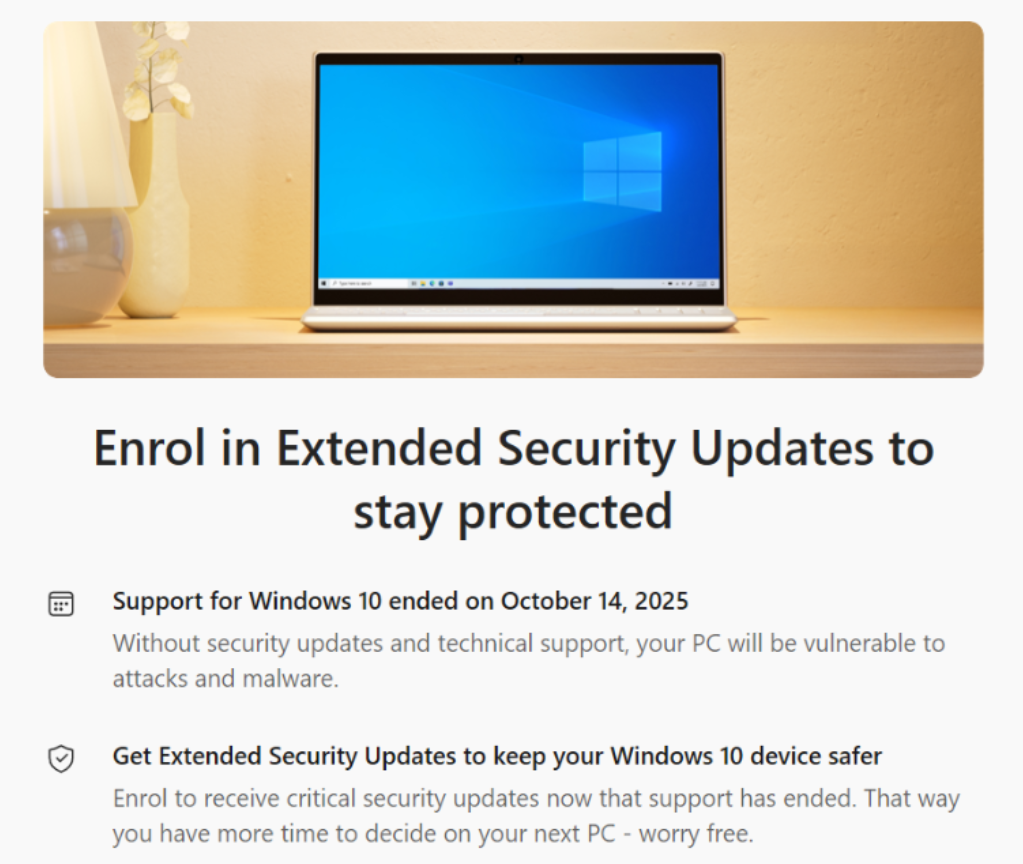

If you are a home/consumer user using Windows 10 – because you are unwilling to, or unable to (due to hardware restrictions) to upgrade to Windows 11, and not able or wanting to buy a new modern PC, this blog shows you how to take advantage of Microsoft’s free Security updates for Windows 10 until 13th October 2026.
First…head over to Windows Update. Here you may be offered the last Windows Update, but will also see the option to “enroll in extended security updates”.

Click [enroll now].

Microsoft will check your eligibility – must be Windows 10, must not be a corporate device (therefore not Active Directory or Entra ID Joined) and must be a licensed version of Windows.

Assuming you see the message above (which you should), click [Enrol].


Thats it – enjoy free Windows 10 updates until 13th October 2026 whilst you get ready to upgrade, buy a new device or move off Windows to another OS as Windows 10 will be 11 years old when your free security updates expire…
Windows 10 came out in 2015…..that’s an old OS now – older than COVID-19 🙂

Leave a Reply