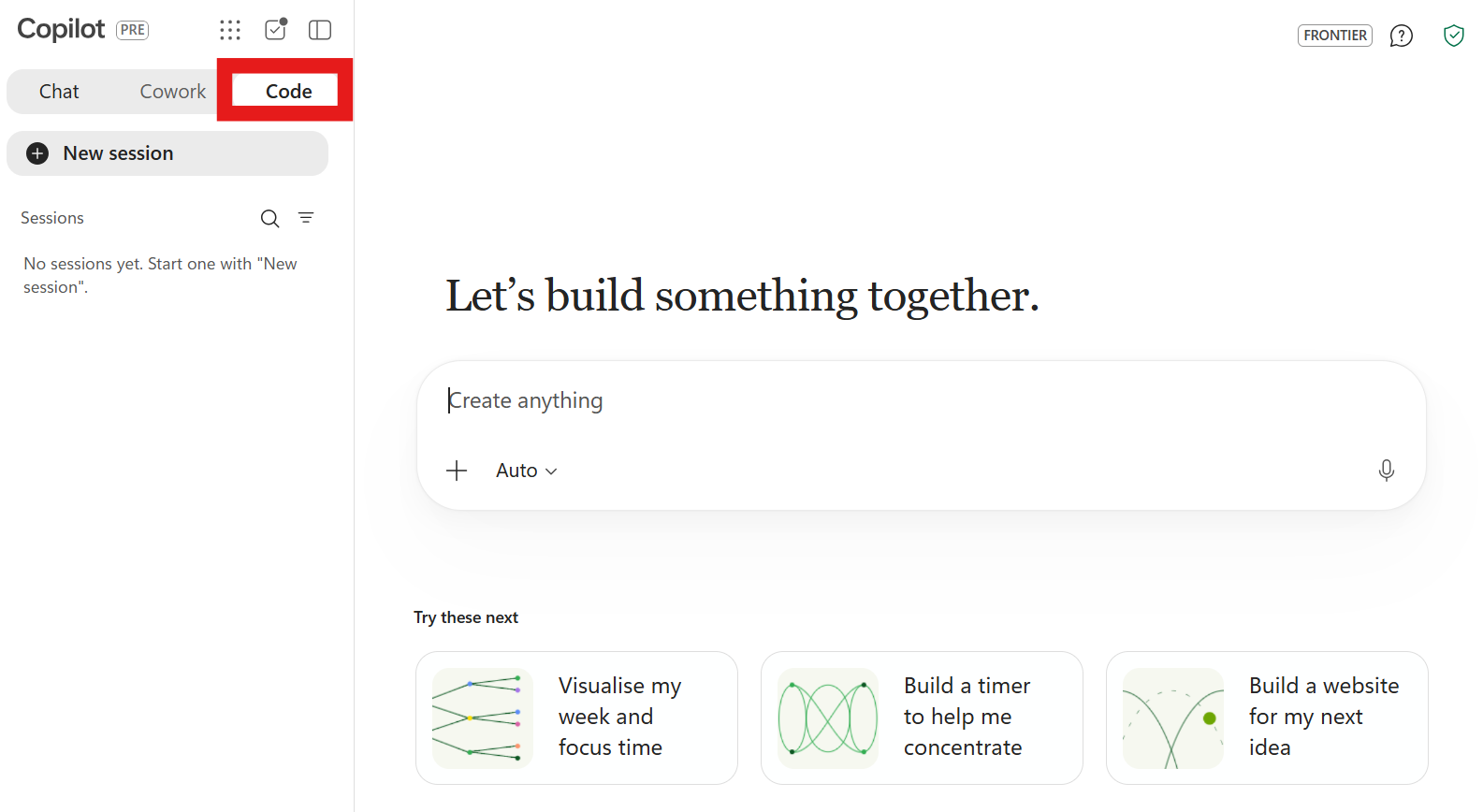

Microsoft 365 Copilot Code is a new feature (rolling out via the Microsoft Frontier program) that lets you build apps, dashboards, and automated solutions using natural‑language prompts – no coding experience required. It is powered by the same underlying harness as GitHub Copilot and runs in the Copilot app on Windows, Mac, and the web via m365.microsoft.cloud.

What does M365 Copilot Code do?
Like Claude Code or Open AI Codex, Copilot Code:
- Lets you describe with natural language, the tool, workflow, dashboard, or app you want, and Copilot generates the working solution.
- Supports iterative refinement: you can adjust requirements, add features, and validate the solution through conversation.
- Works without GitHub accounts or coding skills; but everything runs inside the Copilot environment.
- Is built on the same AI foundation as GitHub Copilot but focused on business workflows and Microsoft 365 data meaning security, governance and compliance features across your M365 environment are preserved.
- Uses Consumption Based Billing from your organisation’s Copilot Credit Pots and must be enabled by IT with credits granted – usage is not covered in the core M365 Copilot License.
How to Use Copilot Code
This is a quick starting point only (a full hands-on blog post will follow).
FIRST Check you can see the Code tab in your M365 Copilot App (it’s currently rolling out to users in Frontier). You will likely need to check with IT.
- Open the Copilot app (desktop or web).
- Go to the Code tab (if enabled).
- Describe the solution you want (e.g., “Create an app I can use as an interactive project tracker with status filters and email alerts”).
- Review the generated version and refine it through prompts.
- Validate and use your app
- Share it coworkers (if permitted).
Read more here: Introducing the new Copilot with Home, Code and Autopilot – The Official Microsoft Blog
Leave a Reply