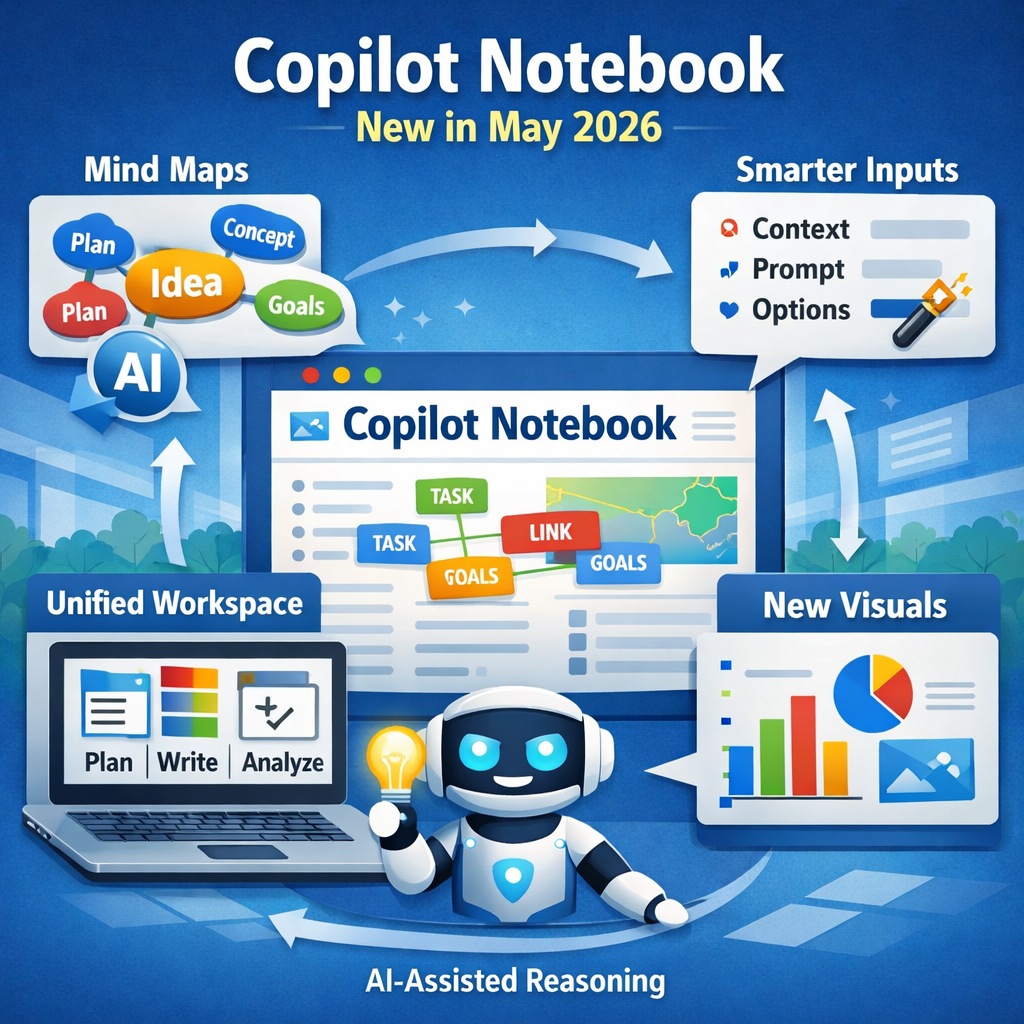

Microsoft has released another significant set of enhancements to Microsoft 365 Copilot Notebooks, continuing the rapid evolution of what is becoming one of the most capable reasoning and planning tools inside Microsoft 365. This month’s updates focus on visual thinking, multi‑modal inputs, and a more unified workspace experience across the Copilot app and OneNote.
If you’re new to Copilot Notebooks or want a refresher, I covered the fundamentals – what they are, why they matter, and how they differ from Copilot Chat in my blog:
👉 https://robquickenden.blog/2026/03/what-are-copilot-notebooks/
What is new in Copilot Notebooks
This post builds on that foundation and explores what’s new in May 2026, why it matters, and how these changes improve real‑world workflows.
A More Unified Copilot Workspace
The Copilot app now brings chats, creations, and references together in one place, reducing the need to jump between different areas of the app. This creates a more coherent workflow, especially for multi‑step tasks that involve planning, analysis, and iteration.
This is the direction Notebooks needed. The previous separation between Chat, Notebook, and References worked, but it created friction. A unified workspace makes Copilot feel more like a true productivity environment rather than a collection of features.
Notebooks are no longer just a chat interface – they’re becoming a structured environment for thinking, planning, and creating.
Reasoning Over Your Work Content
Microsoft are continued push to position Copilot Notebooks as the enterprise‑ready alternative to Google’s Notebook LM. The key value and difference remain the same – Copilot reasons over your organisational content, respecting permissions and compliance boundaries.
I use Notebook LM for my personal life (I actually really with the Consumer Copilot would bring the in these features), but Copilot Notebooks are built for enterprise knowledge, governance, and security. These updates reinforce that positioning and add more asked for features.

Copilot’s ability to reason (securely) over your content (not the open web) is a major enterprise advantage – its respects access control, sensitivity labelling and is context aware.
New Visuals
Copilot Notebook has expanded the different content artifacts it can create from your Notebooks including audio overview, presentations, mind maps and also infographics.

Note: items marked (Frontier) are only available for organisations and users enrolled into the early adopter programme for Copilot.
Mind Maps from Notebooks

One of the standout additions this month is the ability to turn documents into mind maps. Copilot can now break down long or complex content into structured visual maps, helping users understand relationships, themes, and dependencies.
These are ideal for:
- project planning
- strategy development
- onboarding and training
- summarising long documents
- brainstorming sessions
- looking for gaps
This is a super useful feature – especially when you are brought into a project or piece of work. Mind maps are a natural way to think visually, and having Copilot generate them automatically (and keep them up to date) saves time and improves clarity.
New Visuals – Infographics
Copilot Notebooks called up on the “Designer” agent in Copilot Create to turn your Notebooks into Infographics. Once created you can “chat” with Copilot to tweak these as you need to take over and edit them yourself.
I had a bit of fun with ours to align it to my son’s current subject if interest! I’m actually really pleased with how this came out!!

New Content Type Support
Microsoft now make almost all content types available to include or upload for use in a Copilot Notebook. Users can add Files, Teams, Documents, SharePoint/OneDrive folders, Loop documents and of course Copilot Pages content as references – including transcripts, notes, chats, and shared files. External Web URLs can also be added.
Outlook email threads are next on the roadmap and will be rolling out to Frontier firms soon according to Microsoft.
This expands Notebooks beyond static documents and into dynamic, conversational, and contextual content.

This is where Notebooks really feel like a true “knowledge hub.” Meetings, emails, documents, and web content all feeding into a single reasoning space is incredibly powerful for cross‑functional work.
OneNote Gets a Streamlined Notebook Experience
The OneNote‑based Notebook experience has been refined with a cleaner left navigation bar and easier access to actions like Create and Add Reference. This is now rolling out to general availability. You can essentially access all your Copilot Notebooks, drag and drop OneNote pages and more without having to switch between Copilot Notebooks and OneNote.

This looks like a small change (did not intially notice it) but actually brings big impact. OneNote remains the most natural workspace for many users, and surfacing Notebook actions more prominently reduces friction.
Smarter Capture On Mobile
Initially on iPhone (then coming to Android), users can record audio, capture images (including whiteboards), and type notes in a single session. Copilot then turns all of that into a structured Notebook page.
From there, you can:
- ask questions
- generate summaries
- turn the content into a presentation
- build a plan or workflow
This is perfect for workshops, customer meetings, and field work. It turns messy, multi‑modal capture into structured knowledge instantly. Audio + images + notes in one flow is a glimpse of how AI will handle real‑world, messy information.
What is Missing from Copilot Notebooks?
Microsoft is iterating fast – and importantly, iterating in the right direction. Notebooks are evolving from a clever feature into a foundational part of the Copilot experience.
Personally, I am a big fan of Copilot Notebooks – I do (sometimes) find it needs muscle memory to use them more, but when you do they change everything.
Do you use Copilot Notebooks?
What is missing that you wish was there?
Tell me in the comments 🙂
Leave a Reply