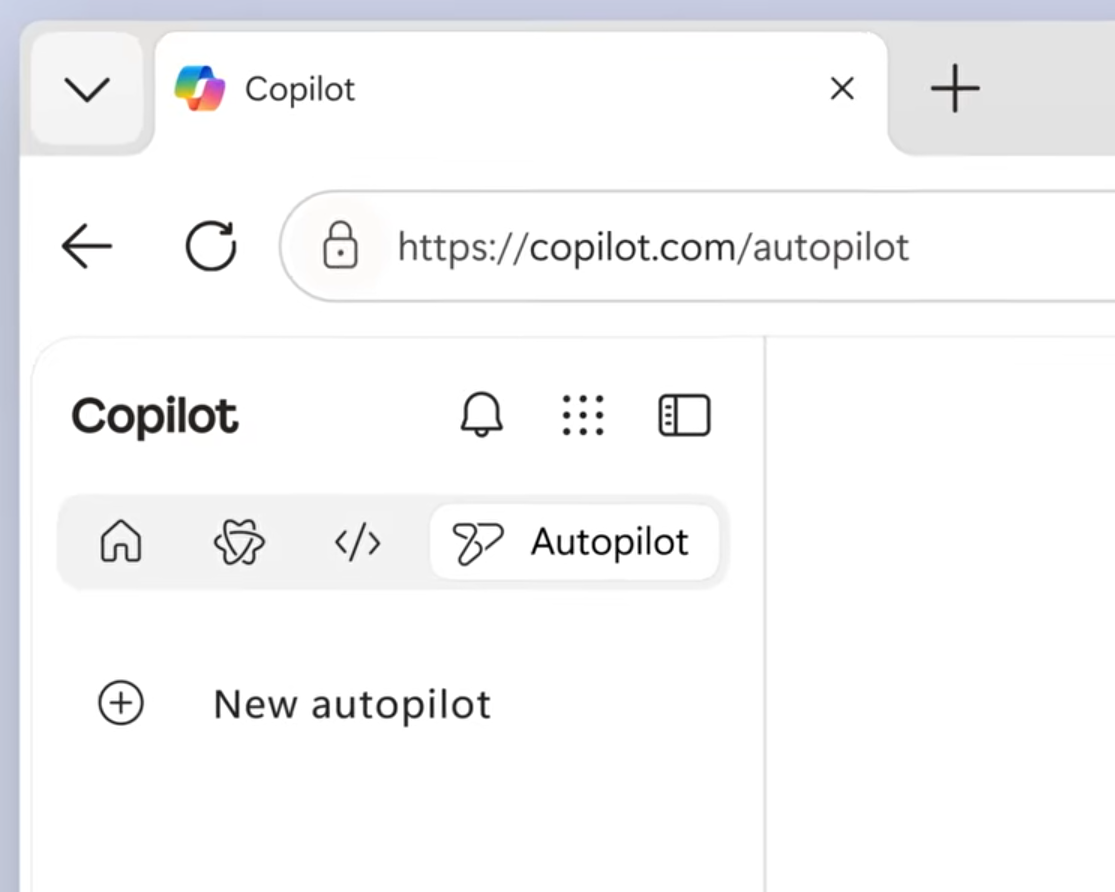

Microsoft has introduced Scout, the first of a new class of AI experiences called Autopilots. Announced during the Build 2026 keynote Microsoft say this is “the First Autopilot Agent in the Copilot Ecosystem“
This is in early preview and there is not currently a timeline for General Availability – Microsoft will communicate broader rollout timing separately
What is Microsoft Scout?
Scout marks a major evolution in Microsoft’s AI strategy – moving from conversational assistance to long‑running, autonomous agents that operate across your digital world…. Think Cowork with Github and OpenClaw like experience.

Satya Nadella described this in the keynote as:
“Copilot is driving this across chat, work and development —-but there’s also a new addition: Autopilots.”
“The first Autopilot is Scout… Scout works where you work. That’s the future of the Copilot ecosystem.”
This is a new architectural model that will evolve, with Copilot as the intelligence layer and Autopilots as the always on operators.
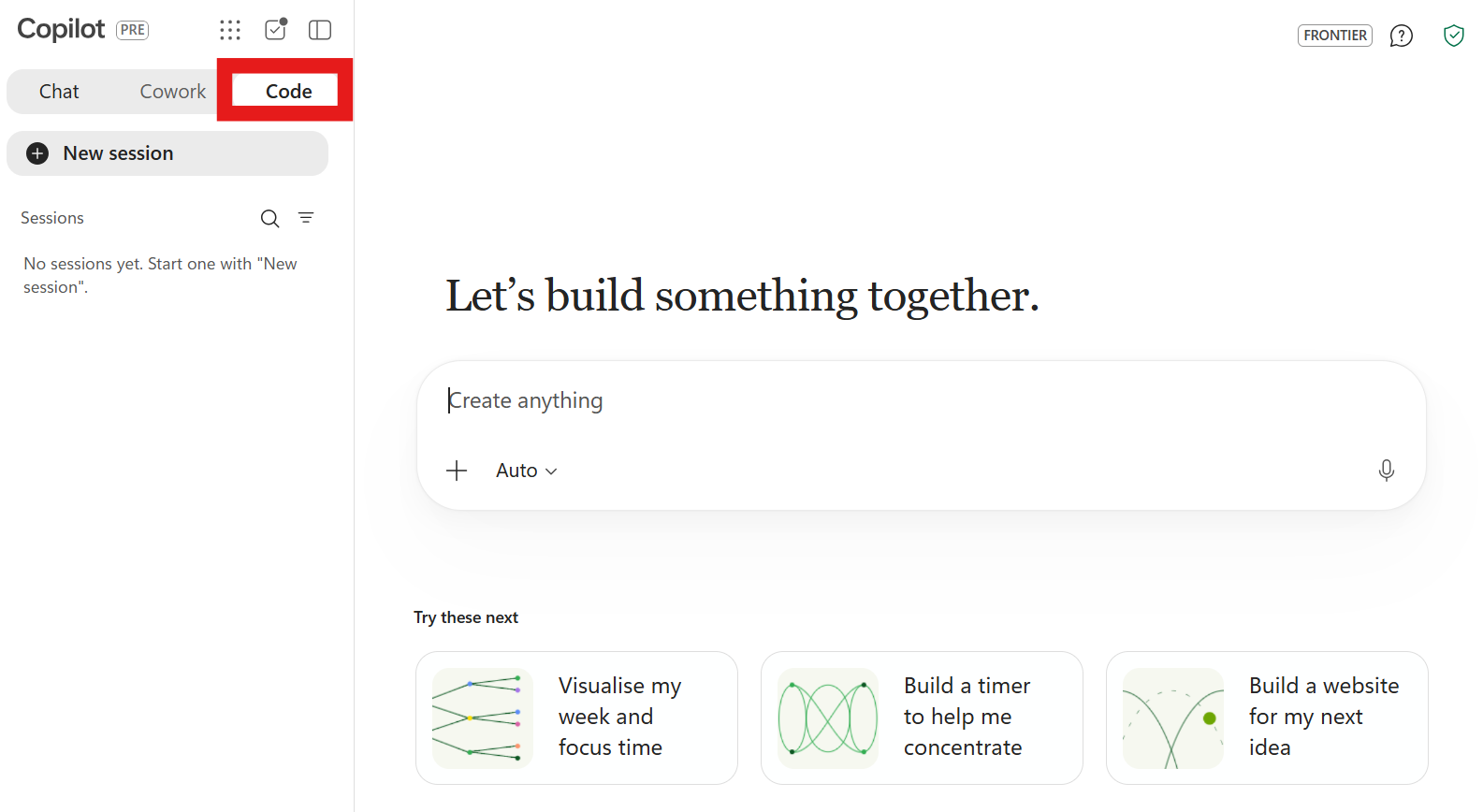
Scout is the first.. it is available to organisations on Frontier programme to try now* but must follow the instructions and pre-reqs in order to access.
What Scout has been Built to do
In the Build Keynote, Microsoft positioned Scout as:
- Always‑on – a persistent agent running across cloud, desktop, and web
- Personalised – you name your Scout and shape its behaviour
- Autonomous – capable of multi‑step, long‑running tasks
- Integrated – working across Teams, Outlook, OneDrive, SharePoint, and Windows
- Cross‑agent aware – able to coordinate with other AI agents
- Governed – operating with its own identity under organisational policies
Satya made it clear that Scout is not a Copilot “feature” or “agent” …It’s a new category of AI tool inside the Copilot ecosystem.
Here’s the video they showcased at the event:
Scout is show-cased in the video as “your always-on agent that proactively takes work off your plate. Instead of waiting for a prompt, it stays connected to your priorities, monitors what matters, and helps keep work moving. As Microsoft’s first Autopilot agent, Microsoft Scout operates across Teams, Outlook, OneDrive and Microsoft 365, understanding your workflow and taking action on your behalf within the controls your organisations sets.”
Autopilots – next layer in Microsoft’s AI stack
Autopilots introduce a new three‑layer model:
| Layer | Purpose | Examples |
| Copilot | Reasoning, planning, chat, creativity. | Copilot in M365, Windows, Edge and M365 |
| Copilot Cowork | Long-running, commanded or scheduled, multi-task agents | Copilot Cowork |
| Autopilots | Autonomous, long‑running, proactive and multi-task agents | Scout |
| MCP Agents | Domain‑specific enterprise automation | Custom agents built with MCP Servers |
Scout is the first Autopilot and the first Microsoft tool designed to work across your apps and across your other agents 24/7 in autonomous fashion but still with human-in-the-loop working.
This is the beginning of what they describe as multi‑agent orchestration inside Microsoft 365.
Scout is Powered by OpenClaw
Scout is built on OpenClaw, an open‑source agentic framework which Microsoft work close with. Scout provides:
- Planning and reasoning
- Long‑term memory
- Skill execution
- Policy enforcement

Scout is the first public product from Microsoft to showcase OpenClaw’s capabilities with all the security, governance and controls needed for safe enterprise use.
What Scout Can Do
At launch, Scout will support:
- Inbox triage – summarising, prioritising, and drafting responses
- Calendar optimisation – scheduling, rescheduling, and preparing agendas
- Meeting preparation – gathering files, notes, and context
- Travel planning – organising itineraries and reminders
- Personal organisation – tasks, follow‑ups, and daily briefings
- Cross‑agent coordination – working alongside other AI agents
Scout introduces identity‑based personal agents and as such is able to maintains
- Long‑term memory
- Preferences
- Behavioural patterns
- A consistent persona
This is Microsoft’s first step toward persistent, personalised AI that really does feel like your agent.
Enterprise‑Grade Safety & Control
Scout will operates with enterprise‑grade governance including
- Policy conformance
- Audit logs
- Permissioned access
- Transparent operations
This is a major differentiator from consumer‑only agents
How your data is processed
This is taken directly from the 1st run “readme” for Scout once you download and run the installer…
AI Services. Conversations in Microsoft Scout are sent to GitHub Copilot (which may route to third-party models including Anthropic and others), governed by GitHub’s terms. Your Intune admin can control which LLM models are available to Microsoft Scout.
Session data and memory are stored in your OneDrive, inside your M365 tenant and subject to your org’s OneDrive controls. You can view, edit, or delete what Microsoft Scout remembers about you in Settings.
Diagnostics and telemetry data. Microsoft collects app performance, reliability, and other usage telemetry to improve quality. It does not contain your conversation content.
Permissions. You can exercise control over various settings and permissions via the app, with detailed documentation available at
Availability – What we know
From the Build keynote…
Scout is coming to Copilot Frontier users now – https://aka.ms/Scout.
“Access requires Frontier enrollment, Intune policy configuration, and an opt‑in attestation. Users with a GitHub Copilot license can then download and install the experience.”
Microsoft official blog states that in order to gain access to the early access it requires:
- Copilot Frontier enrollment
- Intune policy configuration
- An opt‑in attestation
- A GitHub Copilot licence to download and install the Scout experience
You can get Scout (preview) from here: http://aka.ms/Scout.
You will likely need you IT Team to enable it’s use or you’ll hit this blocker when you run it..
They will need to follow these instructions which comprise of Admin Centre settings and some intune device policy configurations:

What Should You Do Now?
If you’re enrolled in Frontier:
- Review the Microsoft Scout documentation on Microsoft Learn
- Ensure your Intune and identity policies are ready
- Speak with your security and compliance stakeholders before enabling Scout
- make sure your IT helpdesk is aware of the intent to pilot and the sign-in prerequisites to pre-empt support tickets.
if you are not enrolled in Frontier:
- Keep your eyes on the blogs and news – GA will come and so will pricing info!
- Make sure IT compliance are involved and that you understand your governance posture – how does the business want to handle always-on agentic AI in your environment?
- Review GitHub Copilot licensing requirements for your user base and look at what this will cost.
Issues Accessing Scout
Several organisations I have spoken too (and other MVPs) are having issues getting this enabled and have had to log support tickets to Microsoft even after completing the steps above. This seems to be impacting EU region users mainly and organisations are asked to log a support ticket.
Final Thoughts
There were rumours about such a thing being announced at Build and this lays very with many of the other cool AI announcements at Build.
Copilot set the original scene and has slowly developed (bear in mind we powered by GPT3.5 back then and are now on GPT5.5 plus Claude Opus Models). Cowork accelerated this massively and many are still finding their feet with this. OpenClaw set the world alight once more and now Microsoft have embraced this partnership and integrated (not just baked on) to the next generation of Copilot and Github even though set up is more fidly than just assigning license and control in the M365 Admin centre!
We are in a space where we have:
- A new class of Autopilot agents and Copilot agents
- A production‑ready OpenClaw framework (we also have a secure OpenClaw native secure runtime coming to Windows 11)
- A shift toward autonomous, proactive assistance
- A more human‑centred approach to digital productivity
- A future where agents work with other agents
If Copilot was the beginning of AI‑powered work, Scout is the beginning of AI‑operated life…. OK that was cheesy!
Leave a Reply