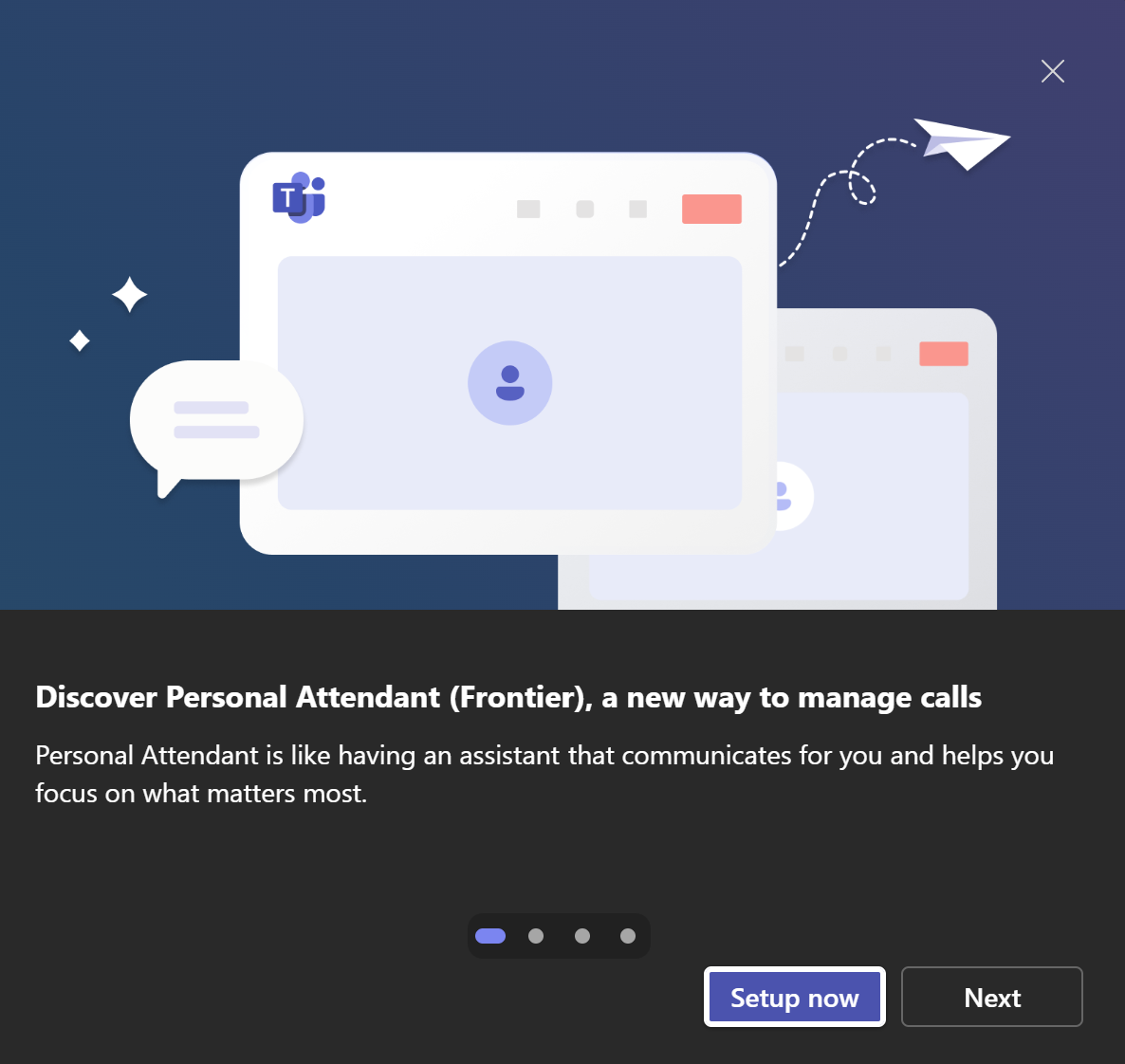

Yes, this new feature rolling out for Microsoft Teams Phone users let’s Microsoft Copilot answer, screen and manage your callers.
If you want to skip the blog and go straight to how to set up and see it in action, check out the video below. 👇
/
Most organisations I speak to are using Microsoft Teams as a collaboration platform for Calls. Meetings. Chat. Files.
And one of the most interesting examples of this is a new capability currently in preview for organisations enrolled into the Copilot Frontier Programme.
This means you can use Copilot as your Personal Call Attendant and screener!
The problem with Teams Phone
Internal (but particularly non solicited and sales calls) are still one of the biggest interruptions in the working day.
They:
- Break concentration
- Force you into reactive mode
- Often add very little value
- Require you to listen, think, and document all at once and even if you ignore them, you end up checking back your voicemails.
But despite all the innovation in collaboration, telephony has largely stayed the same.
Until now….
Copilot as Your Personal Attendant
One of the more interesting developments coming into Teams Phone is Copilot Call Delegation. This is effectively an AI assistant that can screen calls, answer calls on your behalf and even book follow up meetings for your caller if you want them to.
Not voicemail. Not call forwarding
But an AI-driven gatekeeper.
What it can do:
- Screen incoming calls before they reach you and prevent spam and low-value interruptions you don’t wany.
- Understand intent It asks the caller what they want – before you decide whether to engage
- Prioritise intelligently Urgent calls can be pushed through with context attached
- Handle follow-ups automatically It can book a meeting or callback instead of leaving someone in a dead-end voicemail loop
The important point here is not the feature itself…but what it represents.
From Communication to Delegation
Historically, Teams has helped us communicate better. We have AI in meetings for recap and note taking but voice has been left to third party tools and add ons. Now it’s finally starting to communicate on our behalf and tackle one of the biggest inbound communication streams (and biggest distraction).
That’s a fundamental change and it links directly to a broader trend we’re seeing with Copilot across Microsoft M365 Copilot where we are moving from summarising information and assisting with tasks to being able to act autonomously within our defined boundaries.
This is where things start to get more interesting and more valuable.
AI in Every Call
Alongside this, Microsoft has quietly made another important shift with Copilot properly embedded into 1:1 and PSTN calls, not just meetings. This brings:
- Automatic note capture
- Call summarises
- Action tracking
- Follow up meeting booking.
This goal here is to remove much of the friction from customer conversations in environments where there isn’t a contact centre or call centre environment makimg it perfect for:
- Sales and presales teams
- Support engineers
- Smaller businesses
- Branch sites (with no contact centre)
And from a business perspective, it should improve:
- Consistency
- Accountability
- Data capture
- Without adding more admin overhead.
All within the flow of work and without a third party add on that only works on certain platforms and devices!
What does mean for businesses?
This is where it gets interesting from a strategy perspective. Many organisations are still working towards the PSTN switch off in early 2027.
Others are midway through a Teams Phone adoption or still deciding whether to rollout Teams Phone or another platform like 8×8 or Zoom or comparing a full on call management or contact centre solution. But this isn’t just about telephony anymore.
This is about:
- AI-enhanced communication workflows
- Digital labour augmenting human interaction
- Reducing interruption and increasing focus
It changes the conversation entirely.
The Gap (And the Opportunity)
Most organisations still
- Haven’t thought about AI in voice workflows but are using Copilot for most other communications.
- Don’t have a strategy for call handling beyond routing or wider contact centre solutions.
- Are still thinking in terms of devices and dial tone.
Teams Phone is no longer just a telephony solution. It’s becoming:
- A front door to AI interaction
- A control point for digital assistants
- a platform where conversations are shaped, filtered, and actioned by software before we even get involved.
- Integrated into the rest of you M365 busienss workflow.
How to set it up
I have a video 👇🏻 below 👇🏻which walks through how to set it up and use it.
While you are there.. Give me a little like and subscribe!
Leave a Reply