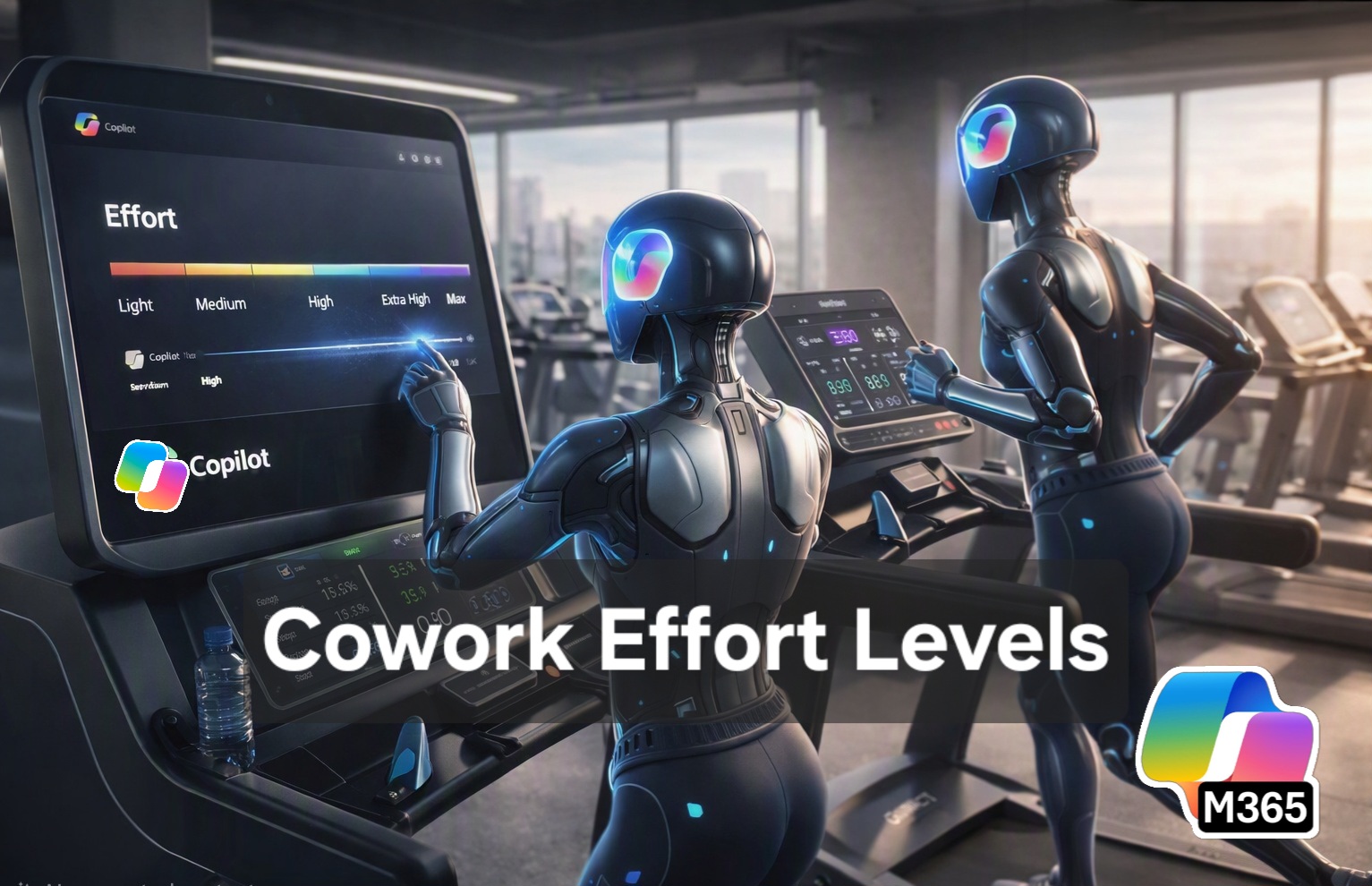

Microsoft has introduced “Effort Levels” in Copilot Cowork which are rolling out to organisations enrolled in the “Frontier preview” before they go to GA to everyone.
This is one of the most important updates to Copilot Cowork of late giving users more choice over how agentic AI behaves and therefore costs to use. The question is does it go far enough?

I think this matters more than people realise but there are still some gaps I think Microsoft need to fill.
Cowork Is not Chat – It’s Agentic Work
Copilot Cowork isn’t a one‑shot prompt like Copilot Chat or ChatGPT. Yes, M365 Copilot can do tasks and carry out work, but Cowork is a multi‑step agentic system that runs tasks, calls tools, pulls context, and executes entire workflows across Microsoft 365 without user input or interaction. Think of it like an agency you outsource work to complete or draft an outcome.
This is the reason why Cowork moved to usage‑based billing when it hit general availability in July 2026 – every task consumes Copilot Credits, and the cost depends on:
- the model used
- the context size
- the tools invoked
- The content used/ingested (ingress) and outputs produced (egress)
- the runtime of the task
With Cowork costing for every task (paid via Copilot Credits), one of the converns users and organisations have had is over “controlling” this cost and having visibility to what something has or migth cost.
Microsoft has started addressing these as users push for a way for users to have more control before kicking off a task.
The Cowork Effort slider.
When you open Copilot Cowork, as well as model selection, you will now see an effort slider. This new control sits directly next to the model picker and lets you choose how much “effort” Copilot should apply to the task.
Medium is the default (though I do wish this could be set by default by IT).
The Effort levels appear as:

- Light
- Medium (default)
- High
- Extra High
- Max
Effort vs Model Choice
This means users can now choose the model AND effort Levels – and this is an important differentiation as effort is not the same as model selection.
- Model = which brain is used
- Effort = how hard that brain works.
I’m told that in best practice, leave the model selector to Auto and Choose the effort for the task.
Copilot Cowork: Model × Effort Matrix
At time of writing, you effectively have 30 possible combinations (35 if you include Auto model selection), created from the six models (7 if you include auto) shown in your Cowork model picker and the five effort levels. The model determines the underlying reasoning style and strengths, while the effort setting determines how much work Cowork should apply to the task.
Microsoft’s current guidance describes the six models as follows: Sonnet 5 for everyday work and faster responses, GPT 5.6 Terra for balanced common tasks, GPT 5.5 for medium-effort work, GPT 5.6 Sol for hard work, Opus 5 for complex or high-stakes work, and Fable 5 Preview for the toughest challenges. Guidance is AUTO but many advanced users like to choose the model as they get to know what model and model variant produces what results.
Microsoft’s current guidance describes the six models as follows: Sonnet 5 for everyday work and faster responses, GPT 5.6 Terra for balanced common tasks, GPT 5.5 for medium-effort work, GPT 5.6 Sol for hard work, Opus 5 for complex or high-stakes work, and Fable 5 Preview for the toughest challenges. See learn.microsoft.com
| Model | Light | Medium | High | Extra High | Max |
|---|---|---|---|---|---|
| Sonnet 5 | Quick summaries, simple emails, file look-ups | Longer drafting, meeting preparation, routine document updates | Multi-source summaries, structured reports, inbox or calendar organisation | Large-volume everyday work requiring greater checking | Maximum processing using a speed-oriented everyday model |
| GPT 5.6 Terra | Quick but balanced everyday tasks | Recommended default for most Cowork tasks | Multi-step work across several Microsoft 365 sources | Detailed research, analysis and polished deliverables | Large, broad tasks where balance is more important than specialist depth |
| GPT 5.5 | Focused medium-complexity work with limited scope | Reports, analysis, document creation and coordinated actions | Complex business analysis and multi-document synthesis | Substantial research or deliverables requiring iterative review | Maximum effort on complex, broadly scoped work |
| GPT 5.6 Sol | Fast first pass using a hard-work model | Complex drafting, planning and technical analysis | Strong choice for difficult professional work | Deep research, solution design and executive-quality deliverables | Highly demanding work requiring extensive reasoning and verification |
| Opus 5 | Focused high-stakes analysis where speed still matters | Important strategy, sensitive communications and critical reviews | Board papers, commercial analysis and complex decision support | Deep strategic work with multiple constraints and evidence sources | Maximum scrutiny for the most important or consequential work |
| Fable 5 Preview | Initial exploration of an exceptionally difficult problem | Tough problem-solving with controlled scope | Complex, ambiguous challenges requiring extended exploration | Very demanding research, reasoning or creation | Most intensive combination for genuinely exceptional challenges |
The descriptions are my practical recommendations rather than Microsoft-published guarantees about each combination.
How I Interpret the Cowork Effort Levels
| Effort | Best used when | Typical Cowork request |
|---|---|---|
| Light | The task is clear, narrow and low risk | Summarise one document, draft a short email, find a specific item |
| Medium | The task has several steps but limited ambiguity | Prepare for a meeting, create a structured document, review several files |
| High | The task needs broader research, reasoning or coordination | Build a proposal, analyse several sources, prepare an executive briefing |
| Extra High | The work is complex, consequential or needs extensive checking | Develop a strategy, conduct deep research, create a substantial deliverable |
| Max | Quality and depth matter significantly more than speed or consumption | Board-level work, difficult problem-solving, critical commercial or technical analysis |
My Cowork Model/Effort Selection Guide
Based on my experimentation, I have seen some sense here using the following combinations for different tasks. Many people say just leave the model selection to auto and just choose the work effort, but personally I do find the model matters and if you want max control then you’ll find your own match.
Things to note:
- Max does not automatically mean best. A high-capability model at Medium or High may outperform an everyday model at Max for difficult work.
- The model and effort level are separate choices. You can pick the model for the type of work, then increase effort only when the task warrants more depth.
- Start one level effort level than you think. Move up only if the first result lacks depth, evidence, checking or completeness
- Fable 5 is a Preview model. It is off by default, requires administrator enablement and requires data retention, meaning prompts and responses are retained by the model provider. [learn.microsoft.com]
- Microsoft recommends leaving the model set to Auto for most work, allowing Cowork to select from the models enabled by the organisation. [learn.microsoft.com]
Quick Cost Example 1
I used the one the template “Arrange My Week” tasks in Cowork at Light, Medium (default) and Max with the model selector set to auto.
- Light: 130 credits (around $1.30)
- Medium: 140 credits (around $1.40) and
- Max : 240 credits (around $2.40)
Max certainly seemed to do more reasoning over my calendar and its options/suggestions for focusing my week to achieve tasks that Light and Medium did
Quick Cost Example 2
In the next example, I am testing the creation of Holiday Guide in Word that looks at the best tourist locations for a weekend stay at the Isle of Wight for a family of four with 2 children and a dog assuming a sunny day. It must create an itinerary, places to visit each day and approximate cost assuming breakfast out, homemade lunch and fish and chips tea on the beach each day.
Prompt: "Create me a family friendly Holiday Guide in Word that looks at the best tourist locations for a 3 day weekend stay at the Isle of Wight (we will be staying in Ryde) for a family of four with 2 children (boys aged 9 and 11) and a dog assuming a sunny day in August but with a backup plan incase of rain. You will create an intro to the Isle of Wight, suggested itinerary including places to visit each day and approximate travel times, distance by car, bus and train, cost of entry and full day costs assuming breakfast out, homemade lunch and fish and chips tea on the beach each day."- Medium (default): 458 credits (around $4.58)
- Max : 828 credits (around $8.28)
Max cost almost twice the amount, took longer (about 20 mins vs 12 mins). The generated content was more verbose and I preferred the way it presented some of the costs, but was the output twice as good? No.
Of course, I do actually prefer the output (slightly) generated by the MAX mode, but only because I created both (of course by doing so this actually cost me $13) so experimenting costs too!
My rule of thumb and advice
Experiment a little to find your default and stick to it. Try to use auto for model (I do wisjh Copilot would tell me what model(s) it used).
On my work/production environment If i choose a model, I tend to use Claude Sonnet for speed, GPT 5.5 for substantial work, Sol for long, hard work, Claude Opus for “creation heavy work” where I need good visuals and slides.
I then use Medium (default) for most work and only go higher if I need depth and scrutiny required.
Why This Matters for Real Work
Creating a set of emails to send to clients from a marketing campaign or event follow up, is not as intense as say creating a SLT Meeting Pack, a tender preparation or building out multi‑step business plan so that task shouldn’t burn the same number of credits.
The ability to set these Effort Levels is here to let users
- dial down effort for more “lightweight” tasks
- Turn it up where you want deep reasoning, long‑context, multi‑tool workflows
- control cost before the task starts – especially useful for draft work
- Avoid accidental Max‑effort runs that chew through Copilot credits unnecessarily
Users have been asking for this and it nice that Microsoft has delivered to provide for controls (model and effort) as a native partn of Copilot Cowork’s User Interface.
The Cost of Agentic AI
From Microsoft’s documentation and (continually updated) cost‑control guidance:
- Cowork is a metered AI service based on cost of tasks
- Tasks consume credits based on the model, context, tools, and runtime
- Admins can set spending limits and usage alerts at user or group or org level
- Users should choose effort based on task complexity to keep costs under control
- “Max” effort uses the most credits and may run slower — reserved for the hardest tasks
- There is a /cost command in Cowork will tell you what a Task has cost to run and will now give you an indication of your total credit usage vs your quota (if set).
Effort and Model are cost‑management signals and variants as is right tool when. I still see people using Cowork for chat and tasks that Copilot can do very well…. Organisations need to help educate users, leverage champions to drive behaviour and advice. Most users do not (and do not want to) have to think about what model, effort to use – they just want results.
Final Thoughts on Model and Effort Choice
Copilot Cowork’s effort and model choices introduce powerful flexibility, but they also expose a gap in user understanding and organisational control.
Whilst these controls are a good step, today, users have little sense of how much a task will cost before they run it, and without clear guidelines, tips or upfront credit estimates, they’re effectively choosing blind which means (I think people will just leave the defauls or select what they deem is best model and highest effort).
AI Admins need the ability to set default effort levels and model selections at a group or organisation level, because these decisions directly shape cost, quality, and consistency.
With more than thirty possible combinations, Microsoft still need to provide stronger guidance and training (yes also a role Microsoft partners play) so people understand how these choices affect outcomes. I would also like to see what model (auto mode) uses after a task has run and why it selected that model.
In my experience, humans naturally equate “low effort” with “low quality” – no one asks a colleague or a builder for example to “do the minimum” and expects excellence. The same psychology applies to AI: a cheap, fast task that produces sub‑par output often leads to rework that costs more than simply choosing the best model and highest effort upfront.
Without clearer cost signalling and smarter defaults, organisations risk spending more time and credits correcting poor results than benefiting from AI acceleration.
What more do you expect from Microsoft?
Leave a Reply