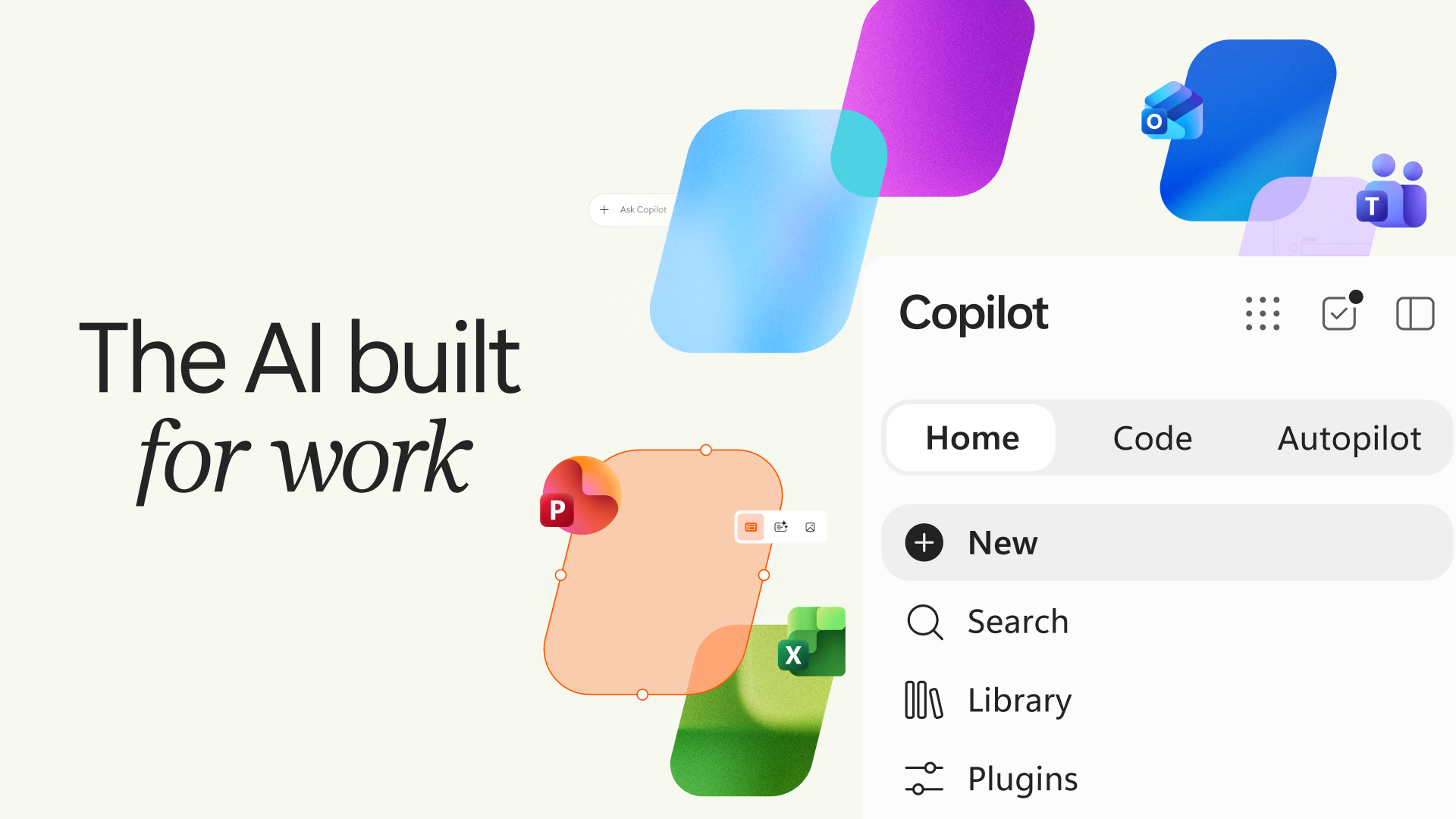

After teasing the Copilot Super App and Scout (local machine running AI), Microsoft has today (Sept 25th 2026) announced a major evolution of Copilot. Now we know Microsoft love a new name, logo and story but this is far far more than a new brand. The “new” Copilot is a completely new (yet familiar) Copilot app experience which brings together what they call Home, Code, and Autopilot into a single, unified experience that replaces the previous split between consumer and commercial Copilot apps, different functions and tabs and experiences.

Microsoft’s official name for this is just “Copilot“.
Today, Microsoft is advancing that vision with the new Copilot, an evolution of the Copilot app that connects the tools people rely on with the next generation of capabilities they’ll need to build, customize, and scale AI across work.
Nicole Dezen | Chief Partner Officer | Microsoft.
“The Copilot app now includes three new capabilities: Home, where Chat and Copilot Cowork come together with the full power of Office; Code, powered by the same underlying technology as GitHub Copilot, extending solution-building to more knowledge workers; and Autopilot, a persistent, proactive, and personal agent that keeps working even when you’re not.”
This should be the biggest shift in Copilot since launch, positioning it as a central workspace for modern work rather than an assistant attached to other apps. It is rolling out soon to Preview (Frontier) users and some of the newer features will follow in waves.
Let’s look at the new experiences:
Copilot Home = Do Work

Home becomes the primary workspace within Copilot. It brings together:
- Chat: This is familiar to these that have been using Copilot for a while. It is where conversational AI for questions, summaries, drafting and quick tasks.
- Cowork: Microsoft’s delegated work mode that runs end‑to‑end, such as RFPs, launch kits, briefing or reports, consolidation reports etc.
- Office in Copilot: The familiar Word, Excel and PowerPoint Copilot experience that sits directly inside the Copilot canvas, producing real Office files that stay in sync across apps.


Microsoft describes this as bringing together the “full power of Office” so users can create and work with real, editable documents, spreadsheets and presentations without constantly switching applications.
Copilot Code = Build Solutions

The new Code tab is one of the most significant additions. It allows anyone – not just developers – to create (using natural language):
- lightweight apps
- Dashboards
- Trackers
- Automations and Workflows
Microsoft states that Code:
- is powered by GitHub Copilot technology
- runs in a sandboxed environment
- can publish cloud‑hosted internal apps inside your tenant


Code allows people who are not traditional developers to describe what they want and have Copilot help build business solutions. This creates opportunities around:
- Solution development
- Agent creation
- Process automation
- Governance of user-created solutions
Copilot Autopilot = Delegate Work

Autopilot (formerly known in preview state as “Scout”) is perhaps the most significant shift. Microsoft describe this as a “persistent, proactive, and personal agent” that has
- Its own identity
- Memory
- Dedicated workspaces

It can continue working on tasks even when the user is not actively engaged but operates within organisational permissions and governance controls.
In simple terms: Instead of asking Copilot to help you perform work, you can assign work to an AI “teammate” and it continues progressing tasks independently withou
This aligns closely with the “digital employee” concepts you’ve been discussing in your AI practice strategy.
- Autopilot has its own identity, memory, computer and workspace.
- It operates inside your tenant with full enterprise governance, permissions and audit controls.
- It can handle ongoing work, such as monitoring Teams channels, following up on tasks, and progressing projects over time.
- It appears directly in Teams, Outlook, chats, channels and documents, and can be @mentioned like a colleague.
This is the first time Copilot includes a true long‑running agent designed for enterprise workstreams.
Microsoft IQ = Copilot Intelligence
Microsoft IQ is the organisational intelligence layer that grounds Copilot in business context.
It now includes:
- Fabric IQ – grounding Copilot in Power BI semantic models
- Dynamics 365 and Power Platform context
- A unified plugin registry for Microsoft, partner and custom plugins
This ensures Copilot understands organisational data, processes and relationships – not just prompts.
Copilot FinOps for AI
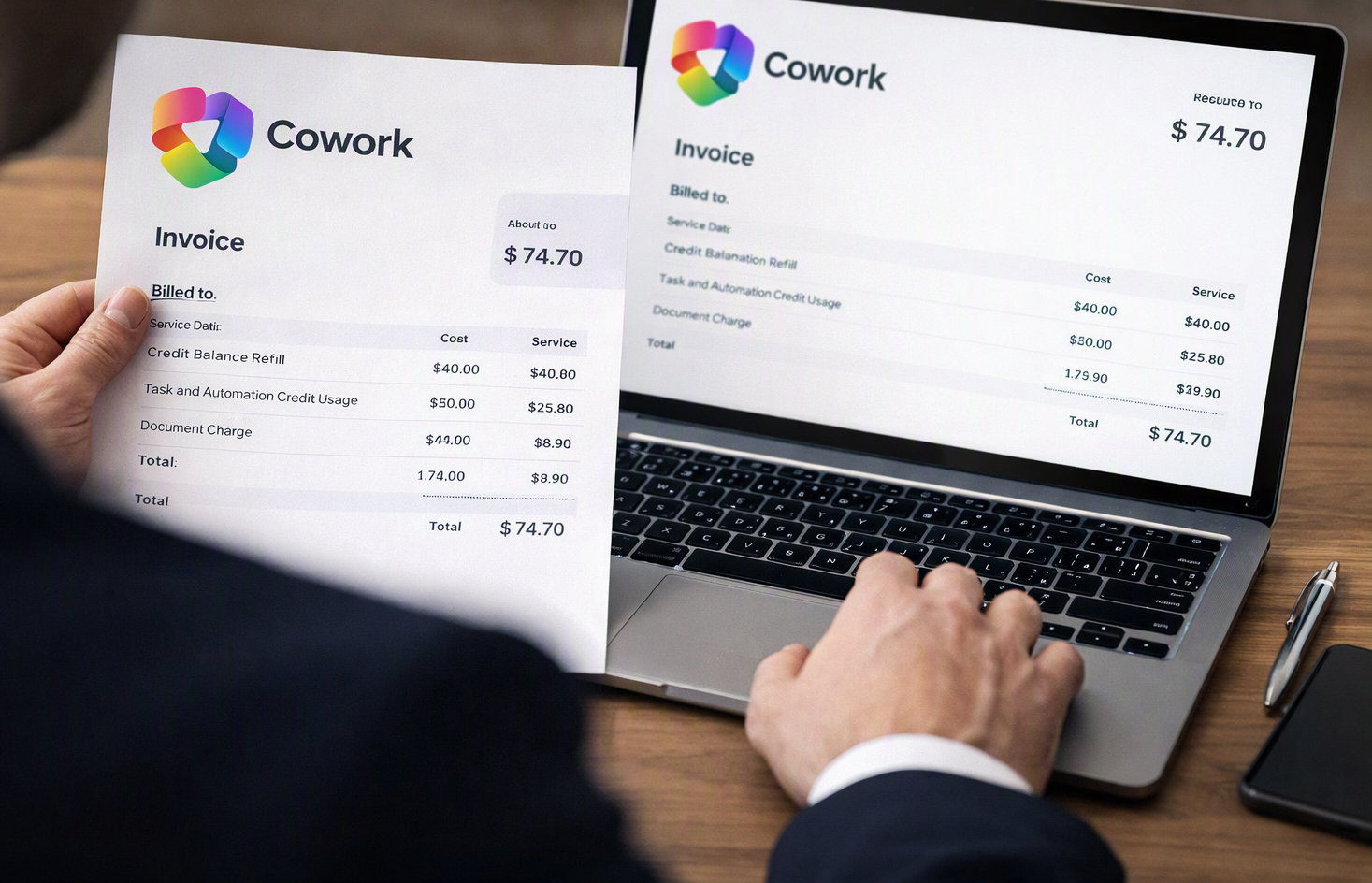
As Microsoft bring more things like Code and Cowork into consumption-based billing, Microsoft is expanding the reporting, controls and governance associated with helping organisations handle FinOps for AI. According to the blog sources this means:
- New usage‑based billing for Copilot, Code and Autopilot
- Enhanced admin controls for different AI model families, spending policies and approvals
- Wider end‑user visibility into credit usage
- Enhanced insights into which tasks deliver the strongest outcomes
- New tools for partners to help their customers 🙂
This will give organisations (and partners) the governance needed to scale AI responsibly and affordably with predicable, controllable and more transparancy.
Rollout and Availability
Dates we know so far are:
- Home and Code begin rolling out to Frontier in the coming weeks.
- Autopilot expands to private preview at the end of the month.
This unified Copilot app replaces the previous consumer/commercial split.
Wrap up
The new Copilot experience represents a shift from “AI inside apps” to AI as the workspace:
- Home: central hub for documents, chats, delegated work and Office files.
- Code: democratises solution‑building across the organisation.
- Autopilot: introduce governed, persistent agent that participates in work overtime.
What do you think about the changes?
Leave a Reply