
Microsoft has rolled out a helpful new addition to Copilot Cowork – a Usage details panel that gives users clear visibility into how many Cowork credits they’ve consumed and how many remain.

Users were able to use the /cost command inside a chat (this is still available and useful for checking how much a particular task has cost you), but the ability to now check overall usage is welcomed. – It is a small change, but a welcomed one.
What’s new
The Usage details option appears under the three‑dot menu inside Cowork. Once opened, it provides a quick snapshot of:
- Remaining credits – how much of your monthly allowance is still available
- Group usage – a comparison against your organisation’s consumption
- Reset date – when your credit pool refreshes
- Daily consumption – a chart showing how credits were spent over time

This makes it far easier to understand usage patterns and avoid hitting limits unexpectedly. This is day of the new month for me – so I still have my full credit complement 🙂

With Copilot Cowork is becoming a core part of modern Microsoft 365 workflows and with more of the AI stack moving to Consumption Based Billing (CBB), having transparent usage insights directly inside the experience means less guesswork and more control.
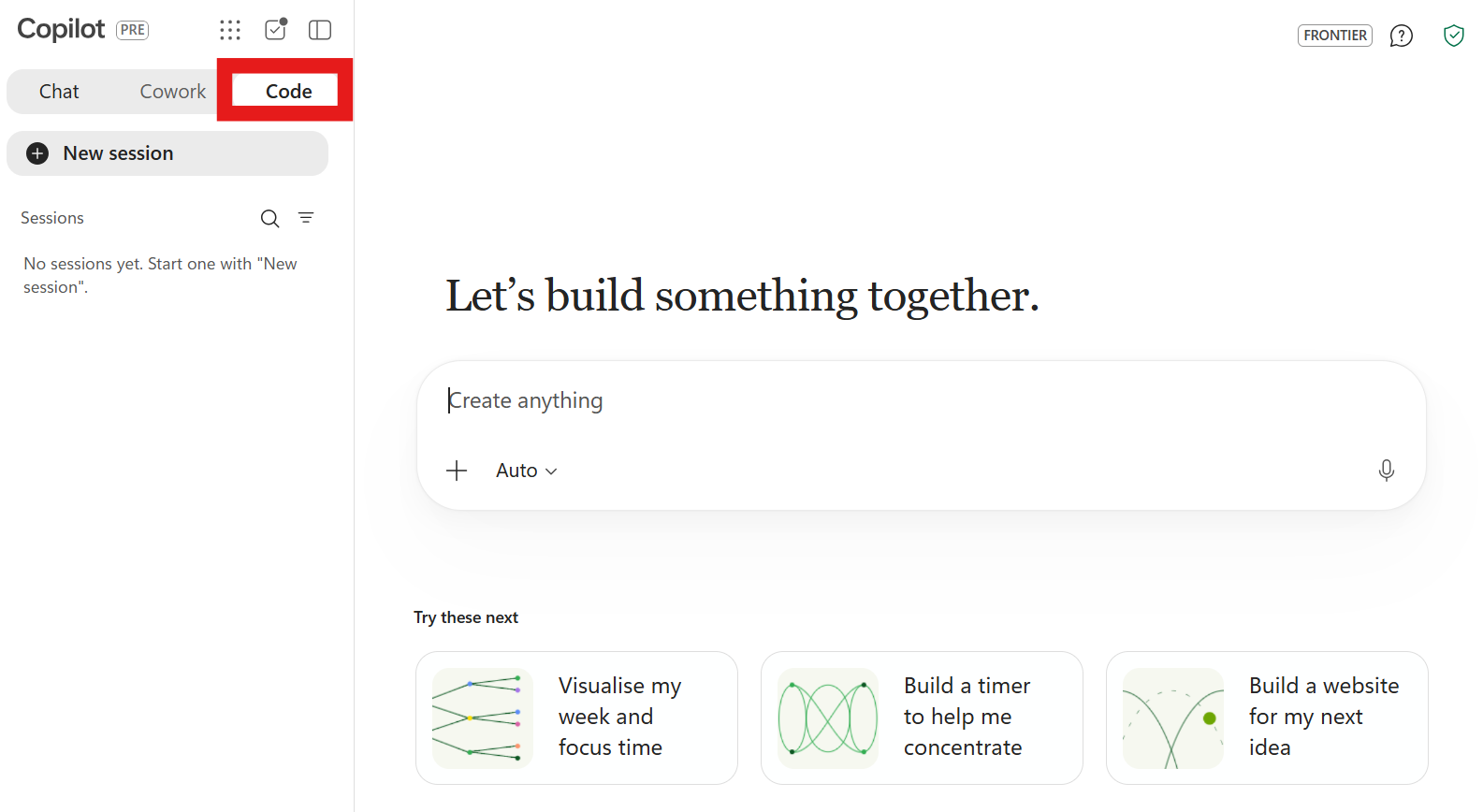
If you haven’t spotted it yet, head to Cowork → … → Usage details and take a look.
Leave a Reply