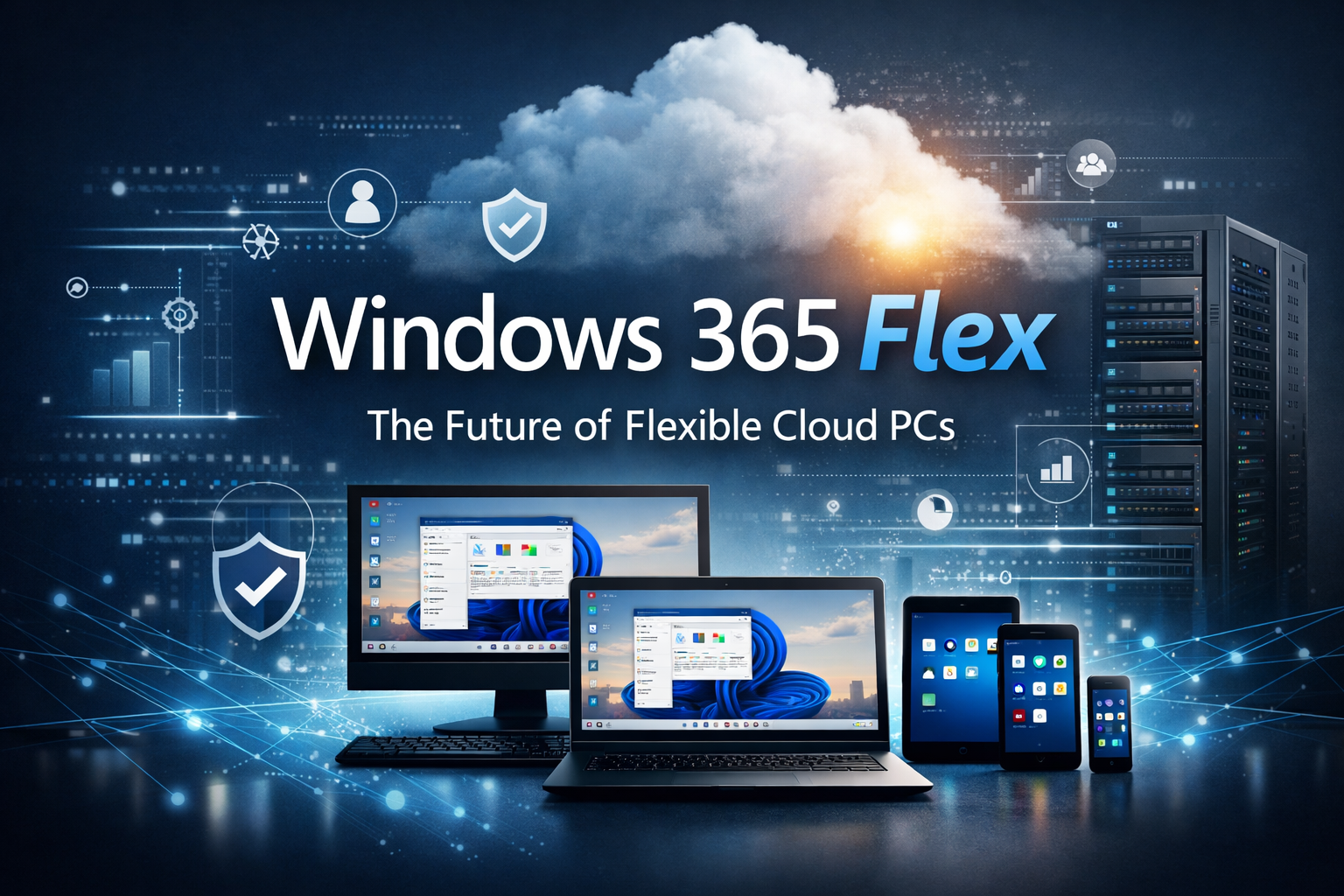

Windows 365 Flex is Microsoft’s newly renamed and expanded evolution of Windows 365 Frontline, designed to give organisations a more adaptable, cost‑efficient way to deliver Cloud PCs to employees, contractors or any employee that do not need a full‑time dedicated device but does need all the availability, security and performance to get work done.
The rebrand to “Flex” is much better fit and much better describes the core ways of working with Windows 365.
- Dedicated Mode which permits up to three shift workers to each have a Cloud PC, with just one being active at a time.
- Shared Mode, built for employees such as retail assistants, facilitates ad hoc tasks on a Cloud PC.
This includes shift workers, part‑time staff, contractors, seasonal employees, task based roles and even students.
This updated naming / brand better reflects their broader vision for Cloud PC: moving from a niche “frontline worker” scenario to a flexible, multi‑persona Cloud PC model that supports shared, dedicated, and app‑only experiences across any organisation.
Why Windows 365 Flex?
Historically, part time, shift‑based or occasional‑use employees shared physical PCs on‑site or were issued a laptop.
In a distributed workforce, that model breaks down – shared devices aren’t accessible, and issuing dedicated hardware is often cost‑prohibitive especially at the moment with component shortages which force up the price of compute devices.
Windows 365 Flex can solve this by enabling:
- Shared Cloud PCs that reset or persist between sessions
- Cost‑efficient dedicated Cloud PCs for low‑usage roles or short term (non perm) roles like contractors
- App‑streaming only access via Windows 365 Cloud Apps
- Developer‑grade configurations for specialised workloads including GPU options
- AI local workloads via Cloud PCs
You see, once a user signs in, they receive their personalised apps, data, and settings instantly – regardless of device or location.
Windows 365 Price Cuts
Microsoft has announced a 20% price cut for Windows 365 Business Cloud PCs, aimed at improving cost efficiency for SMBs and reducing reliance on physical hardware.
Cloud PCs now hibernate after one hour of inactivity to reduce compute costs.
Battling the chip shortage with Windows 365
Windows 365 can also help organisations struggling to buy and refresh legacy laptops and devices due to supply chain struggles and price increases.
CloudPC allow IT to leverage legacy older hardware and run (or even boot direct) to Windows 365.whilst also removing the security risks of using shared physical devices or personal kit, providing a super secure on demand and use anywhere desktop.
Leave a Reply