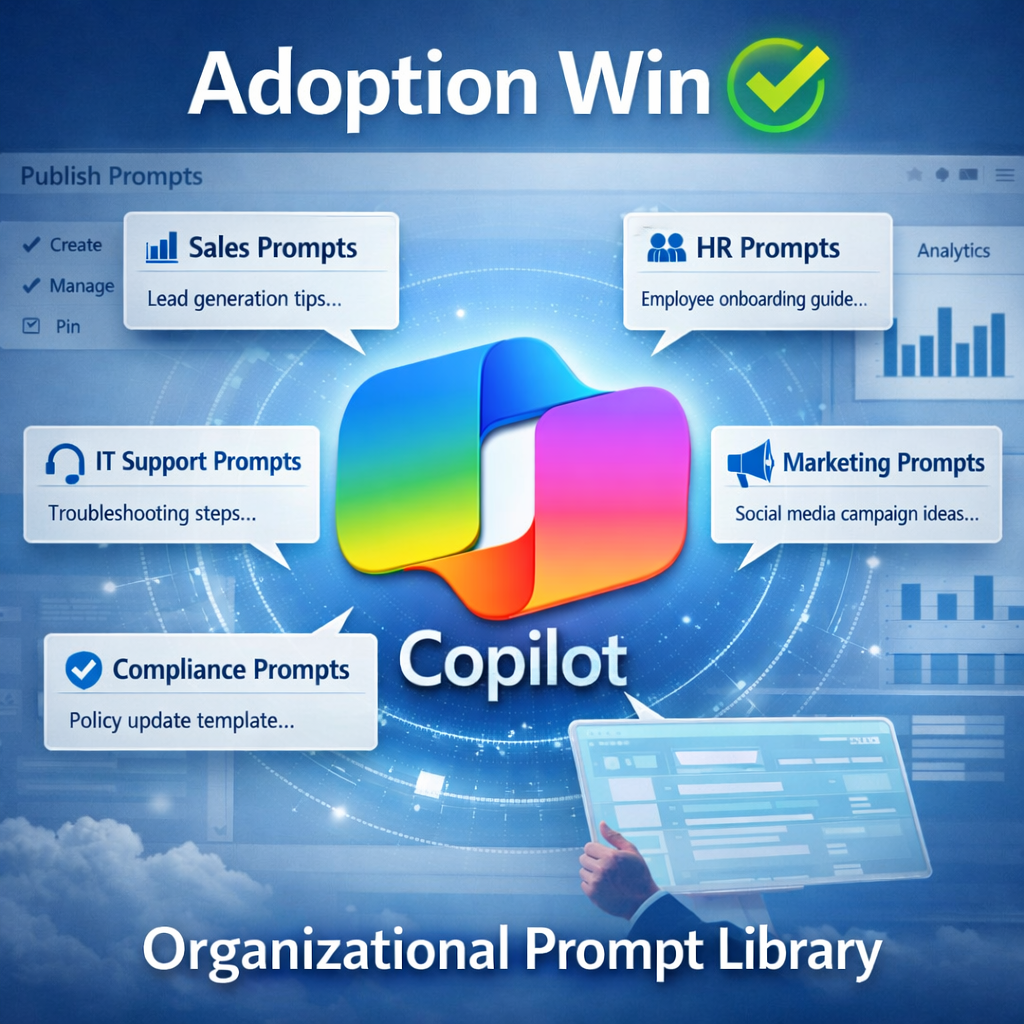

One of the most impactful updates arriving in Microsoft 365 Copilot in July 2026 is the ability for organisations to publish org / department level curated prompts directly into Microsoft 365 Copilot.
“How do we standardise prompts so everyone uses Copilot the right way?”
Until now, users have been able to share their own prompts with other people but there’s been no central reporrosrory of organisation curated prompts to help with enterprise adoption and “good practice”
This is a small feature in a list of bigger ones but it’s a huge one for adoption, governance, and consistency.
Why this matters
One of the biggest challenge with AI in the enterprise isn’t capability – it’s consistency.
Teams experiment, prompts vary wildly, and organisations struggle to guide people toward approved, secure, and effective ways of using AI.
This feature aligns perfectly with how businesses want and need want to roll out AI tools like Copilot.
- Control without slowing innovation
- Consistency without restricting creativity
- Governance without heavy process overhead
It is about answering that question across each department “what great prompt so I need for this task and what is a proven way of getting the result I need?“
Organisation wide Prompts
IT or AI admins will soon be able to create a central prompt library that appears natively inside Copilot Chat, giving users a trusted starting point every time they open a session.
Here’s what is possible.
- Admin‑curated prompts – IT and AI business owners can create, publish, manage, and pin prompts that reflect organisational language, workflows, and priorities.
- Integrated user experience – Published prompts surface directly inside Copilot Chat, meaning users don’t need to hunt for guidance or rely on tribal knowledge.
- Governance by design – Nothing appears to users until at least one prompt is published, ensuring organisations control the experience from day one.
- Improved adoption – Clear, relevant starting points reduce friction and help users get value faster.
- Built‑in analytics – IT can see which prompts are used most, how users engage, and where improvements are needed.
Once set-up, users will see a button titled Suggested appears on the M365 Chat home page. Selecting Suggested opens the pinned prompts. At the bottom of the pinned prompts list, Discover more prompts like these takes users to suggested prompts in the prompt lab.

Adoption / Change teams will now be able to include these as part of onboarding, training, and workflow design across Microsoft 365 Copilot.
This is one of those features that will quietly become essential and now answers a question I hear all the time.
“How do we standardise prompts so everyone uses Copilot the right way?”.
This is currently in Preview but will roll out to all organisations in July 2026.
Leave a Reply