What are Copilot connectors?

A Copilot connector is the plumbing that brings your organisation’s external content into Microsoft 365 so Copilot can ground answers in real, company-specific data.

Practically speaking, a connector extracts or fetches items from a third‑party system (files, tickets, PRs, CRM records, etc.), indexes those items into the Microsoft Graph, and makes them available to Copilot and Microsoft Search under your tenant’s security and governance rules.

How it works in plain terms

A connector usually has three moving parts: the source adapter (code that knows how to read the external system), an agent or orchestration layer that schedules crawls and handles incremental updates, and the ingestion into Microsoft Graph where items are stored and security‑trimmed. Microsoft provides a Connectors SDK and a lightweight connector agent so you can build custom connectors or run Microsoft’s prebuilt ones; the agent handles full and incremental crawls, delete detection, ACL stamping, and ingestion into Graph.

Real connector examples

Copilot connectors already cover a wide range of enterprise systems. Here are practical examples you’ll see in the wild and the kinds of prompts they unlock:

  • Salesforce – pull opportunity summaries and recent activity to prep for a customer call.  
  • Jira / Azure DevOps – surface sprint status, open bugs, or backlog items when you ask for release readiness.  
  • GitHub / GitLab / Bitbucket – summarise open pull requests, list failing CI runs, or extract changelog notes.  
  • Box / Dropbox / Google Drive / SharePoint – compare versions of a spec or summarise the latest product doc.  
  • ServiceNow / Zendesk / Freshservice – analyse incident trends and recommend process changes.

Each connector turns source content into indexed, searchable items so a prompt like “Summarise the top five customer issues from Zendesk this month and suggest fixes” returns grounded, citeable results instead of generic advice.

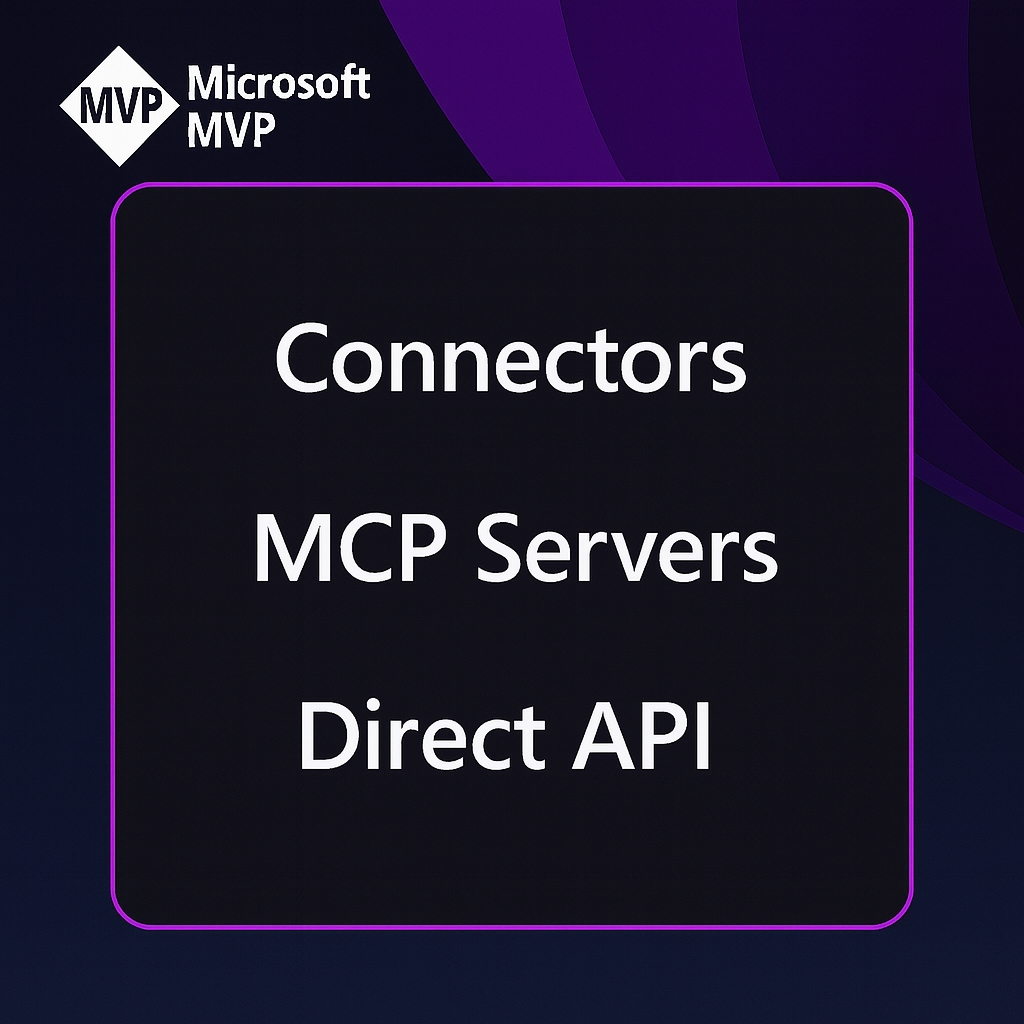
Connector versus MCP server versus calling an API

Copilot connector (indexed or federated). 
A connector’s job is to make content available to Microsoft Graph and Copilot.

Many connectors perform a crawl and index model (content is ingested into the Microsoft  Graph), while newer federated or user‑level connectors let Copilot fetch live data on demand using the user’s credentials. The indexed model is great for broad search and fast responses; federated connectors are useful when you need real‑time, user‑scoped access.

MCP server (Model Context Protocol). 

MCP is a protocol and server model that standardizes how AI assistants call external tools and fetch context in real time. An MCP server exposes a set of tools/endpoints that agents (like Copilot or Teams Channel Agent) can discover and invoke; it’s about runtime tooling and live interactions, not indexing. Think of an MCP server as a live automation or tool host — for example, a calendar MCP server that creates events or a custom MCP server that exposes internal business actions to an agent. MCP servers are registered so Microsoft 365 agents can discover and securely call them.

Direct API Calls

Calling a service’s API is the most basic integration pattern: your app authenticates and requests data or performs actions directly. That’s perfect for bespoke workflows or when you need full control over data flow, but it doesn’t automatically make that data searchable inside Microsoft Graph or available to Copilot across the tenant. If you want Copilot to use that data as part of its knowledge, you either build a connector that indexes it into Graph or expose it via an MCP/federated connector for live access.

How they differ…

  • If you index Jira with a connector, Copilot can quickly answer questions such as “What’s blocking Product release X?” using indexed issues.  
  • If you run an MCP server that exposes a ticket‑triage tool, Copilot (or an agent) can interface and directly open a triage workflow and assign owners in real time without needing to open the app.
  • If you call the Jira API from a custom app, you can build any workflow you want – but Copilot won’t automatically see that data unless you also surface it via a connector or MCP endpoint.

Security, governance, admin controls

Connectors are designed to respect tenant boundaries and Microsoft 365 governance. Indexed content is ingested under your tenant, encrypted, and security‑trimmed so users only see what they’re allowed to see. Admins manage connectors from the Microsoft 365 admin center, control which connectors are available, and can stage rollouts or disable federated connectors if they don’t meet policy. The connector agent and SDK also let you enforce crawl schedules, incremental updates, and ACL mapping so indexing behaves predictably at scale.

Connector, MCP server, or API?

When you need Copilot (or an agent) to work with an external service, you usually have three realistic integration patterns to choose from: indexing via a Copilot/Graph connector, exposing live tools through an MCP server, or calling the service’s API directly from your app. Each option solves different problems.

Below I will try to explain the tradeoffs in plain language, give concrete examples, and finish with a short decision checklist you can use immediately. NB: I’m still learning this myself so bear with me!

  • Use a Copilot connector when your goal is to make a lot of content searchable and citeable across the tenant so Copilot and Microsoft Search can answer questions quickly (think documents, tickets, PRs).
  • Use an MCP server when you need runtime tooling – live, discoverable actions an agent can call (for example: triage a ticket, kick off a workflow, or run a business action) rather than just read data. 
  • Call the API directly if  you are or need to build a bespoke app or workflow that needs full control, custom logic, or real‑time two‑way operations and you do not need Copilot to automatically see that data unless you also surface it via a connector or MCP. 

These are not mutually exclusive, and sometimes you might need a combination of both. For example you may index the data for search and also expose a small set of live actions via MCP or direct API calls.

Deciding which you need

I found this check list helpful which some of my developer friends use…

  1. What do you need Copilot to do? If it’s answer/search/summarise → connector. If it’s act/execute/triage → MCP or API. 
  2. Do you need tenant‑wide, security‑trimmed search? If yes, prioritise a connector. 
  3. Do you need live user‑scoped actions or interactive workflows? If yes, design an MCP server or expose specific API endpoints as MCP tools. 
  4. How fast do you need it? Real‑time → MCP/API. Fast search across many items → connector. 
  5. What’s your governance posture? If you need Microsoft 365 controls and auditing, connectors and Power Platform connectors give built‑in alignment; MCP requires explicit registration and security design.

The other tip from my limited experience so far (I did say bear with me) is

  1. Use prebuilt connectors first – there are loads. Check the Microsoft Copilot connectors gallery for existing connectors before building custom ones.  
  2. If you need to build (or get someone to build) a custom connextor, use the Connectors SDK and agent to build and test your connector; the agent handles crawling and ingestion. 
  3. Pilot / test with real prompts and measure relevance, latency, and trust (are results correctly security‑trimmed and useful?).

How OpenAI and Anthropic Just Triggered the Next Big Shift in Software

The last week has felt like a turning point in the AI landscape. Not because of a single product launch, but because two of the biggest players in the industry effectively declared that the next frontier isn’t chat, search, or reasoning. It’s agentic coding. It’s the potential to change the landscape of SaaS applications really quickly (especially for SMBs) which has caused the world to wobble a bit.

This agentic code (or AI Codex) is the word that has been buzzing tech news and social.

That said, the term has been around for a while, but last week it became shorthand for a new class of models designed not just to write code, but to understand systems, navigate repositories, fix issues, and build software with a level of autonomy that edges closer to genuine engineering assistance.

The second narrative and the “concern” that has been rising alongside it is the idea that AI isn’t just transforming software development – it’s going to (and is already beginning to) challenge the software industry itself.

Analysts and commentators have been exploring whether AI agents could eventually replace entire categories of SaaS tools, reshape how companies buy software, or even enable organisations to build their own alternatives on demand.

These two threads – the rise of agentic coding and the pressure on traditional software models – collided last week, and that’s why the conversation has become so loud.

What is an AI Codex?

AI Codex refers to a specialised family of models optimised for programming tasks. Where a general model like ChatGPT is trained to converse, explain, and reason across domains, Codex models are tuned to:

  • read and interpret codebases
  • generate new code with high precision 
  • refactor and optimise existing logic 
  • follow patterns, libraries, and frameworks accurately 
  • maintain context across multi‑file projects 
  • act as an agent that can plan, execute, and iterate on tasks

You can think of ChatGPT as a generalist and Codex as the engineer. Both are powerful, but they’re built for very different jobs.

Why It Exploded Into the News

Timing… There were three things that happened almost simultaneouslyast week and it was the timing if these as well as what happened that brought it front and centre to the tech news.

1. OpenAI and Anthropic launched competing coding models within minutes

It started with OpenAI releasing their latest Codex model at almost the exact moment Anthropic unveiled its new Claude coding variant.

Whether coordinated or coincidental, it created a sense of a head‑to‑head sprint. The press framed it as an AI coding arms race, and the narrative stuck.

2. OpenAI and Anthropic both claimed major breakthroughs in agentic coding.

This was the next thing.. Both Anthropic and OpenAI both positioned these are more than just incremental updates. Instead both said these models are a leap forward and their models can now:

  • plan multi‑step coding tasks
  • call tools 
  • run and evaluate code
  • fix their own mistakes
  • work across entire repositories 

This is essentially a shift from “autocomplete on steroids” to more of a a “junior engineer that can take a ticket and run with it”.

3. The question of could AI replace software?

A wider industry conversation about AI replacing software intensified last week too with commentators and analysts exploring the potential of whether these AI Codex models AI could eventually:

  • reduce the number of SaaS subscriptions companies need
  • automate workflows traditionally handled by enterprise software
  • enable organisations to build their own tools instead of buying them
  • reshape the economics of “seats” and licences

4. A viral comment poured fuel on the fire

Thank social media for this one as OpenAI’s Sam Altman’s remark that using the new Codex made him feel “a little useless” hit a nerve and sent it viral.

Of course, developers amplified it, commentators debated it, and suddenly the story wasn’t just about new models. It was about what these models mean for the future of software development. But it dominated tech feeds and news stories last week. So much I wanted to know more…

ChatGPT vs GPT‑Codex

So again.. For clairy…The simplest way to explain the difference between these two models is:

  • ChatGPT is built for natural language. 
  • GPT‑Codex is built for code.

ChatGPT is the base LLM most users are familiar with. Used by ChatGPT, Microsoft Copilot base LLM etc. It’s designed for most things… brilliant for language, strategy, communication, architecture, and ideation.

Codex is built to read your repo, understand your patterns, and produce code that fits your environment. It’s not for the general user.

Why This Matters for Engineering Teams and MSPs

The shift to agentic coding of course sparks concerns over the future role of the developers but both are trying to assure the world that it’s not about replacing developers, it’s about changing the shape of work.

This means:

  • faster delivery of repeatable patterns 
  • more consistent infrastructure‑as‑code 
  • automated remediation and optimisation 
  • better documentation and handover 
  • reduced toil across migration and modernisation projects

It also means of course that governance becomes even more important. If these models can now act and not just suggest, then organisations need a clear governance process to define the rules, guardrails, and patterns that define how AI participates in engineering workflows.

At the same time, the broader industry conversation about AI replacing software should be seen as a signal, not a threat. The opportunity for technology partners is to help organisations navigate this shift….(just as they are helping to adopt Gen AI tools like Copilot). This is still about  exploring where AI augments existing tools, where it replaces them, and where it enables entirely new workflows.


This is only the beginning.

The Real Story Behind the Headlines
The noise last week wasn’t just about OpenAI and  Anthropic competing (publically), it was about the potential for a new category of AI becoming mainstream.

Here, coding models are being treated not as assistants, but as participants in the software lifecycle – and that has implications far beyond engineering.

This is the beginning of a new phase in how software gets built, bought, and delivered
That’s why the term “AI Codex” suddenly feels everywhere. It captures the moment we moved from conversational AI to operational AI. From chat to action. From suggestion to execution.


What do you think? Fad or as SaaS apps going to be impacted?

What actually is Agentic AI?

So, I was delivering an AI awareness session earlier this week to 120 eight- to ten-year-olds at my sons’ school. In the Q&A bit, one of the children asked me – “What is Agentic AI?”. Needless to say, I was quite surprised to be asked that question by a nine-year-old. We actually decided to us AI to explain it to the class…. which I must say it did a better job that I would have done.

Agentic AI Explanation for a ten-year-old.

Here is what AI said: “imagine you’ve got a super-duper smart robot friend. This friend doesn’t just follow orders and obey instructions like a regular robot. It is like a super robot, the Dyson of Robots. This Robot can make decisions on its own, like deciding what to do next or how to do something when you haven’t taught it. ‘

Agentic AI’ is like that robot friend, but way more advanced. It can make its own choices, set its own goals, and figure out how to achieve them, almost like it’s got its own mind but by following a set of guidelines and rules. So, it’s not just reacting to commands, it’s thinking ahead and planning like a little strategist!”

Agentic AI for everyone else

I was then thinking, well what if you don’t work in an IT role. Does everyone know what Agentic AI is? It is certainly the buzz term of 2025 and certainly a leap forward from the “chat bots” we have played around with over the past 2 years or so with ChatGPT, Copilot etc.

I was then thinking about how I need to explain Agentic AI to some my co-workers so in my usual style I wanted to write it down to get my wording right. here’s what I came up with which I think and hope anyone can understand. As such I wanted to share it.

So…..

Think of agentic AI as more of “system” than a chat bot. Unlike a chat bot which is generally more about responding to a request or returning information, Agentic AI operates with a high degree of autonomy. Rather than just follows predefined instructions or responding based on information it has been fed/trained on, agentic AI can set its own objectives and determine. by itself, the best course of action to achieve them. This is a very different approach to what we have seen before now since it can not only executes tasks but also identifies opportunities, develops strategies, and takes initiative without constant oversight or being asked.

This has the potential to be a powerful tool in many different roles and organisations. Here’s a few examples I have pulled together based on some of the customer converations and usecases we are exploring at the moment.

Agentic AI Use Cases

  1. Healthcare : Agentic AI could proactively identify potential health risks in patient data, following or before treatment, suggest personalised treatment plans, and even coordinate with pharmacy and supply chains to ensure medication availability. It could even be used to help patients better understand their health and nurses better explain to patients.
  2. Gym: It could create personalised workout plans for members, monitor equipment usage to predict maintenance needs, and even suggest new classes based on emerging fitness trends. For Mangement it could suggest changes to class schedules based on enquiries, booking history, attendance etc.
  3. Retail : It could autonomously manage inventory, predict trends by analysing customer data, external factors such as weather, news events etc, and even optimise pricing strategies based on market demand and competitor analysis such as changing the price of suncream when it gets hot and the price of umbrellas when it rains.
  4. Public Sector : It could streamline citizen services, anticipate infrastructure needs based on usage patterns, and improve disaster response by dynamically allocating resources. It could also pre-empt and influence bin collections based on realtime data, or take proactive action and make recommendations from transcripts based on interviews or care notes in social services.
  5. Legal: It could autonomously manage case documentation, chase up cases, predict case outcomes based on historical data, and even recommend legal strategies or layers most likely to win particualr cases. It could provide guiance to customers, based on “learned” cases for that firm and provide “virtual lawyer” services fully automonosly.
  6. Insurance : Agentic AI could assess risk profiles, help detect fraudulent claims, and tailor policy recommendations to individual customers.
  7. School Admissions : It could predict enrollment trends, identify potential gaps in student demographics, and optimise the selection process to ensure a diverse and well-balanced student body.

These are just a few examples of Agentic AI’s ability to act independently and adapt to complex, changing environments makes the applications and use cases almost endless as long as we can guide it, trust it and step in when needed.